
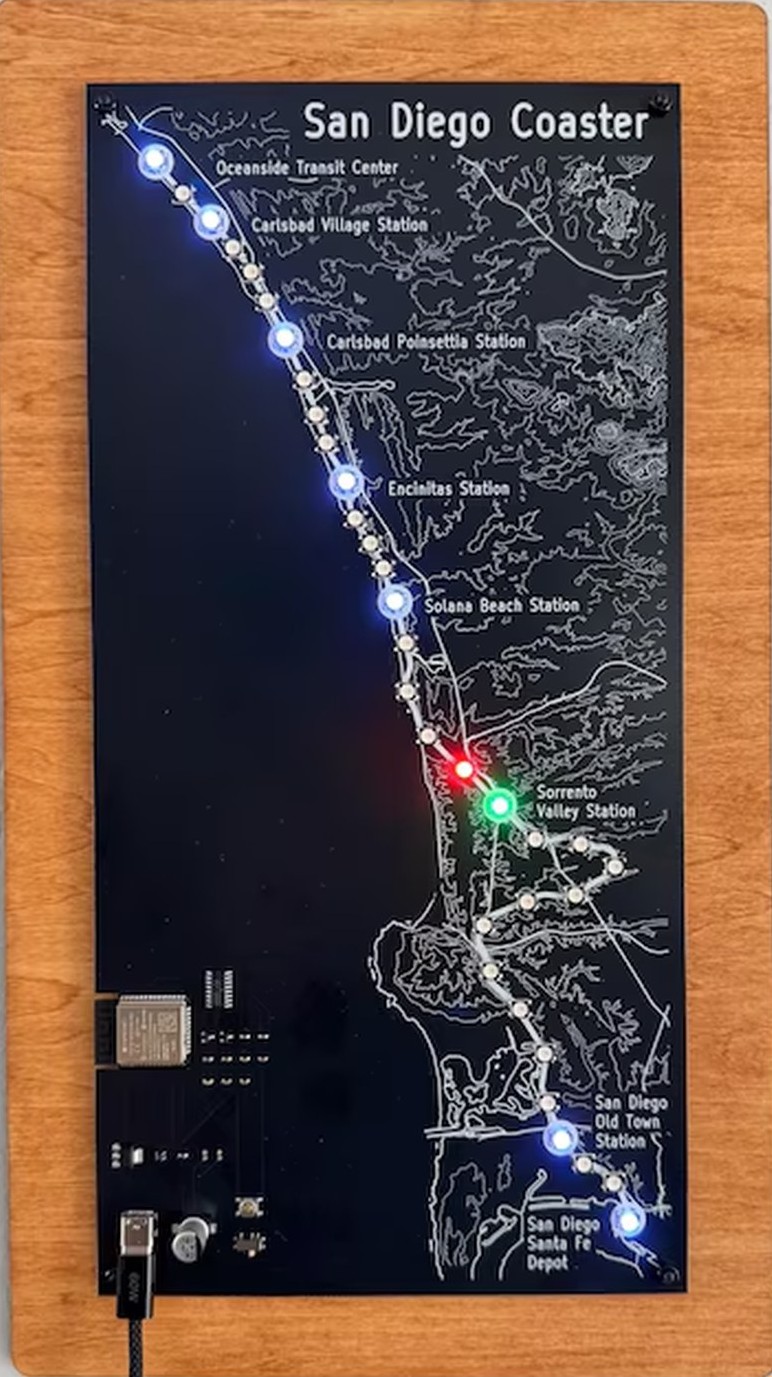
Every COASTER train on the line, lit on the map as it moves. No account and no app — the sign needs Wi-Fi and power, then it runs itself.
Set it up
Plug it in
Any USB-C charger. The map stays dark for now — that is normal, it has no network yet.
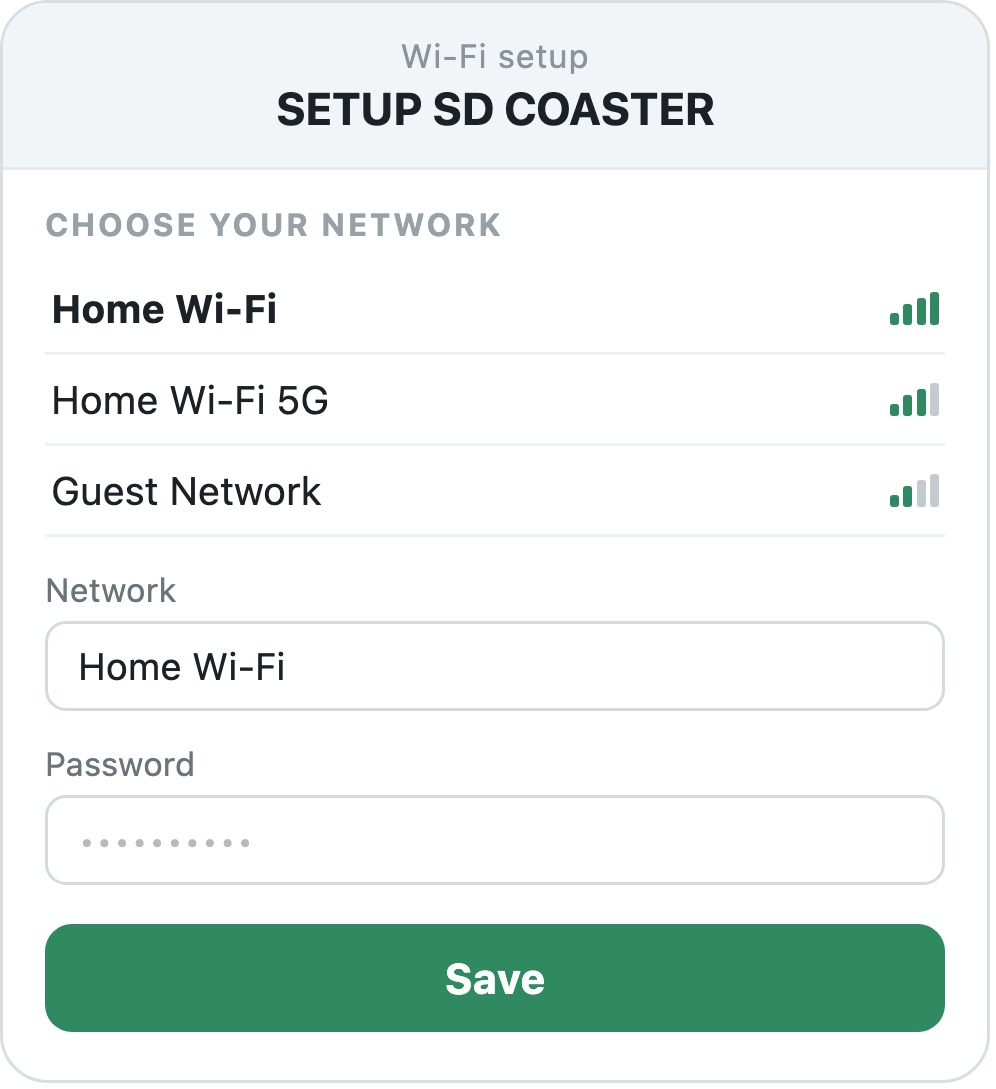
Join SETUP SD COASTER
On your phone, join that open network. The setup page opens by
itself, or visit 192.168.4.1.
Pick your Wi-Fi, then Save
Choose your home network (2.4 GHz), type the password, tap Save. Trains appear within a minute.
Reading the map
The two controls
Reset, or change your Wi-Fi
Hold the button for about three seconds. The map fills from the bottom as a warning, then the sign forgets your Wi-Fi and reopens SETUP SD COASTER so you can set it up again from step 2. Let go before the map fills and nothing changes.
When something looks wrong
It looks after itself
The sign updates over Wi-Fi every six hours and rolls itself back if an update fails to start. There is no account, and your Wi-Fi password stays on the device. To re-flash one from scratch, open bricekevin.github.io/fw/coaster in Chrome or Edge.