
Get your Social Meter online in about two minutes. The first part is the same for every platform — then pick what you want it to count.
First, connect it
Same three steps no matter what you’re tracking.
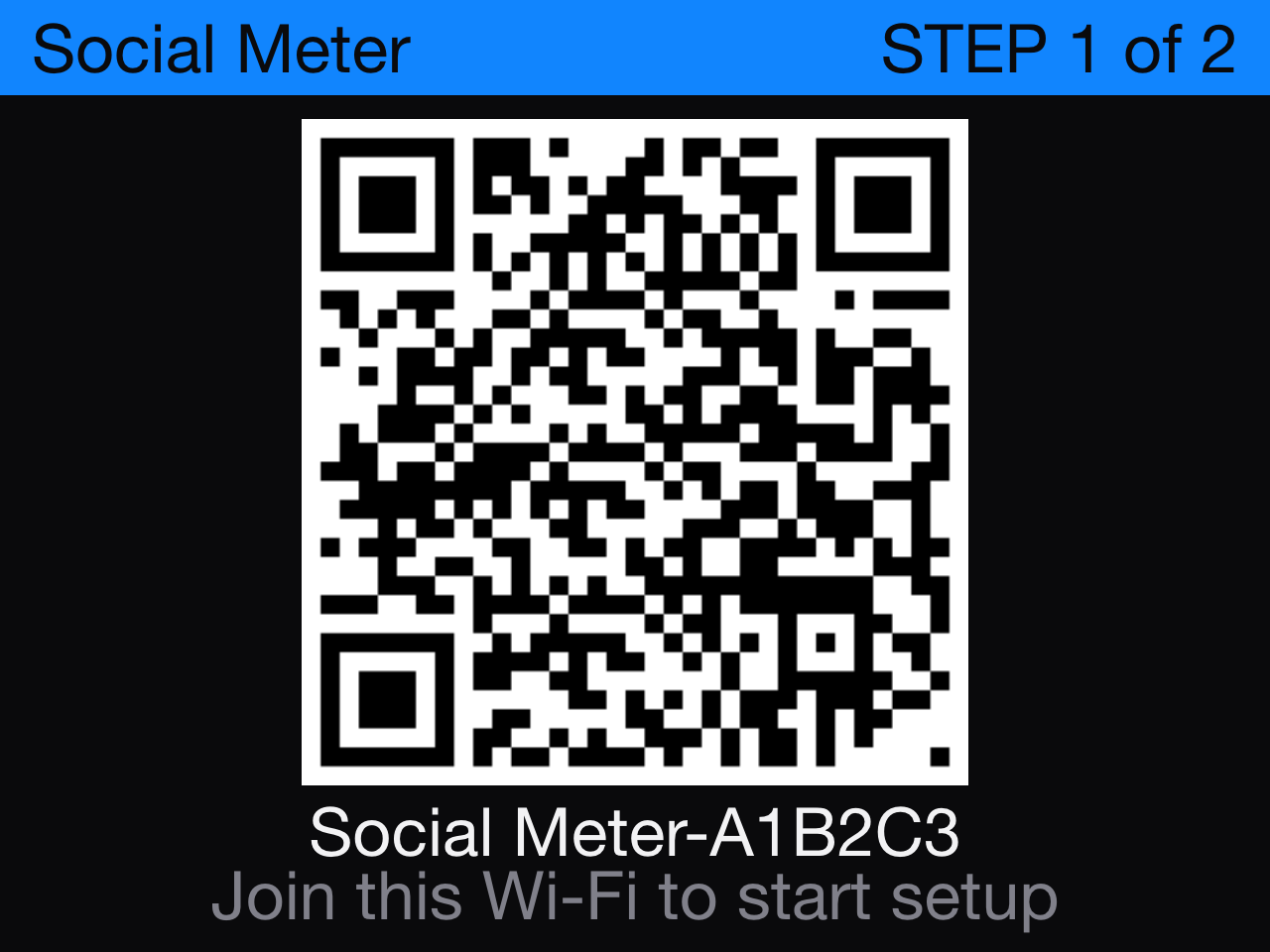
1
Plug in & join its Wi-Fi
Power it with any USB-C cable. On your phone, join the network Social Meter-XXXXXX shown on its screen.
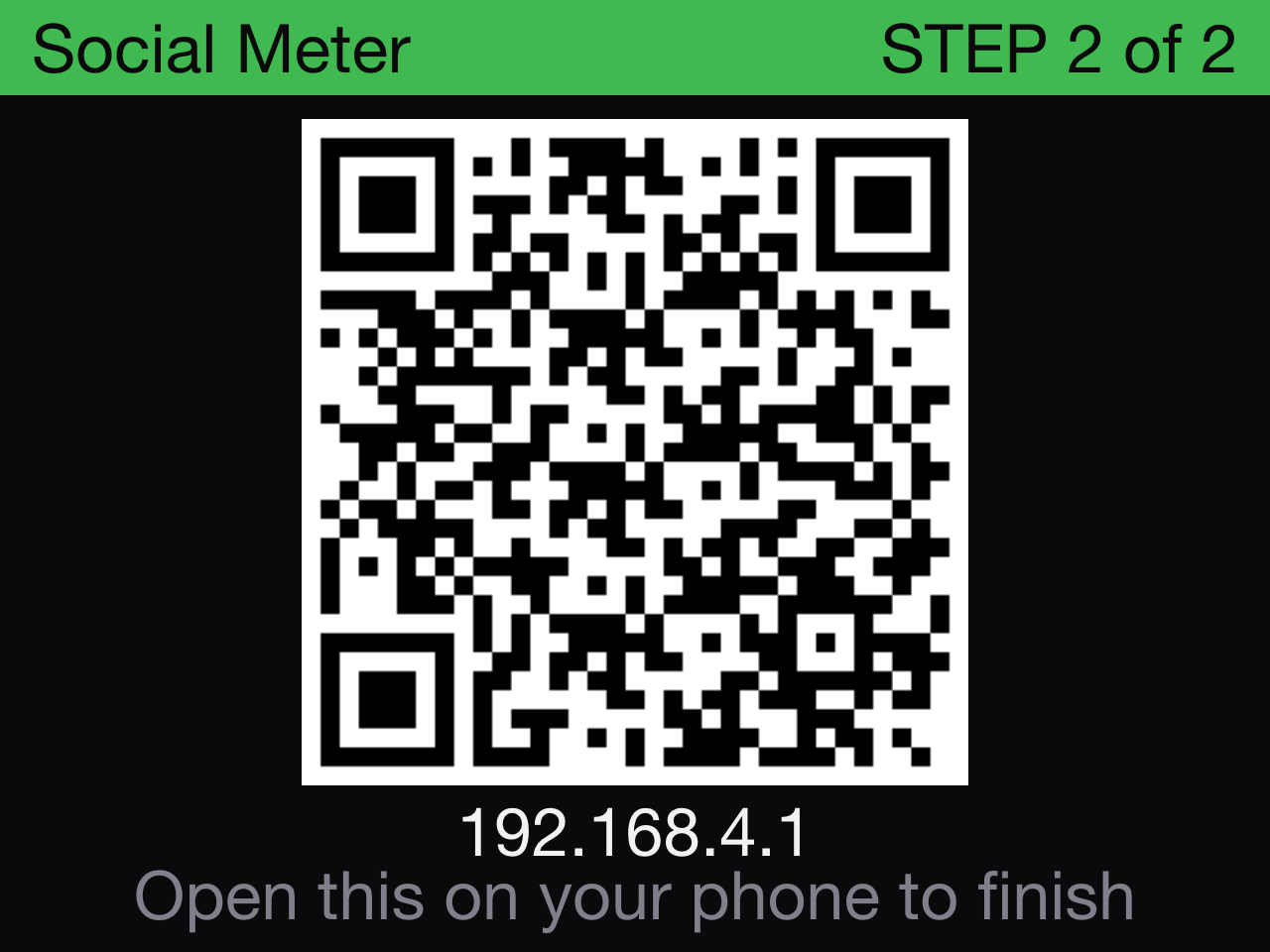
2
Open the setup page
It opens automatically — or visit 192.168.4.1 in any browser.
There you’ll pick your platform and enter your details.

3
Save — your number appears
Choose your home Wi-Fi and tap Save. Social Meter restarts and shows your live count within about 30 seconds.
Now pick what to count
Open a platform for its exact handle format — and how to grab a free API key when one’s needed.