
About a minute, on your phone. No app, no account, no subscription.
- Plug it in. Use the USB-C cable in the box and any phone charger. The screen
shows a code and a Wi-Fi name that starts with
Sports Meter-. - Scan the code with your phone camera, or open Wi-Fi settings and join the
Sports Meter-XXXXXXnetwork. The setup page opens by itself. If it does not, open a browser and go to192.168.4.1. - Pick your home Wi-Fi. Tap Configure WiFi, choose your network and enter the password. It needs 2.4 GHz (most home routers are both; guest and 5 GHz-only networks will not work).
- Pick your teams, then Save. On the same page, choose a league, choose a team and tap Add team. Up to six, from any mix of football, basketball, baseball, hockey and soccer, pro or college.
- Done. The device restarts and your first team appears in about 30 seconds.
New here? See what Sports Meter does.
Looking for your team before you start? See every supported league and team.
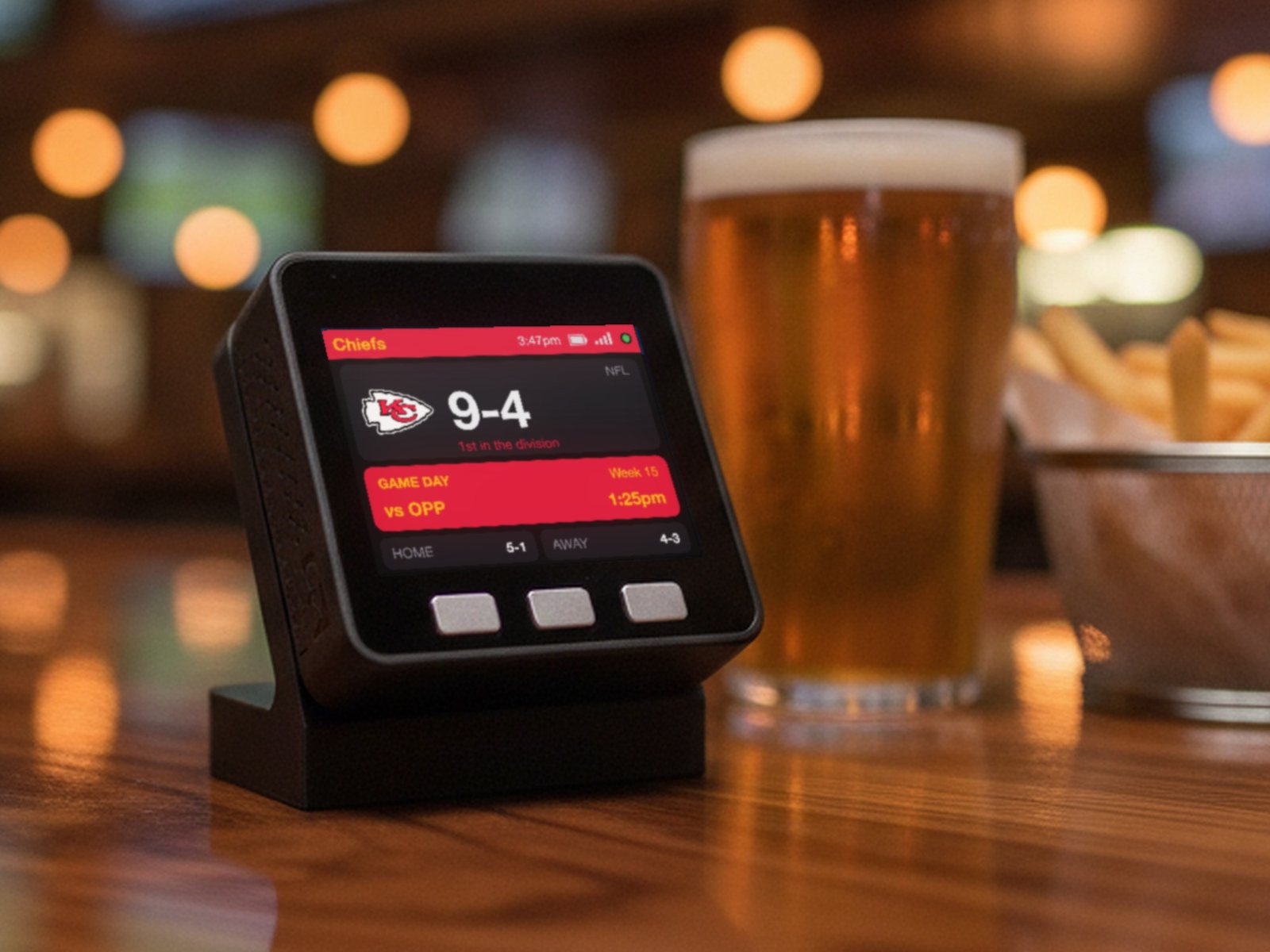
What the screen shows
| All week | Season record, place in the standings, and the next game in your local time. |
|---|---|
| Game day | The next-game card lights up in your team’s colors. |
| During a game | Live score with the clock and period. Football adds down and distance; baseball adds the count, outs and runners. |
| After | The final score, then back to the record and the next game. |
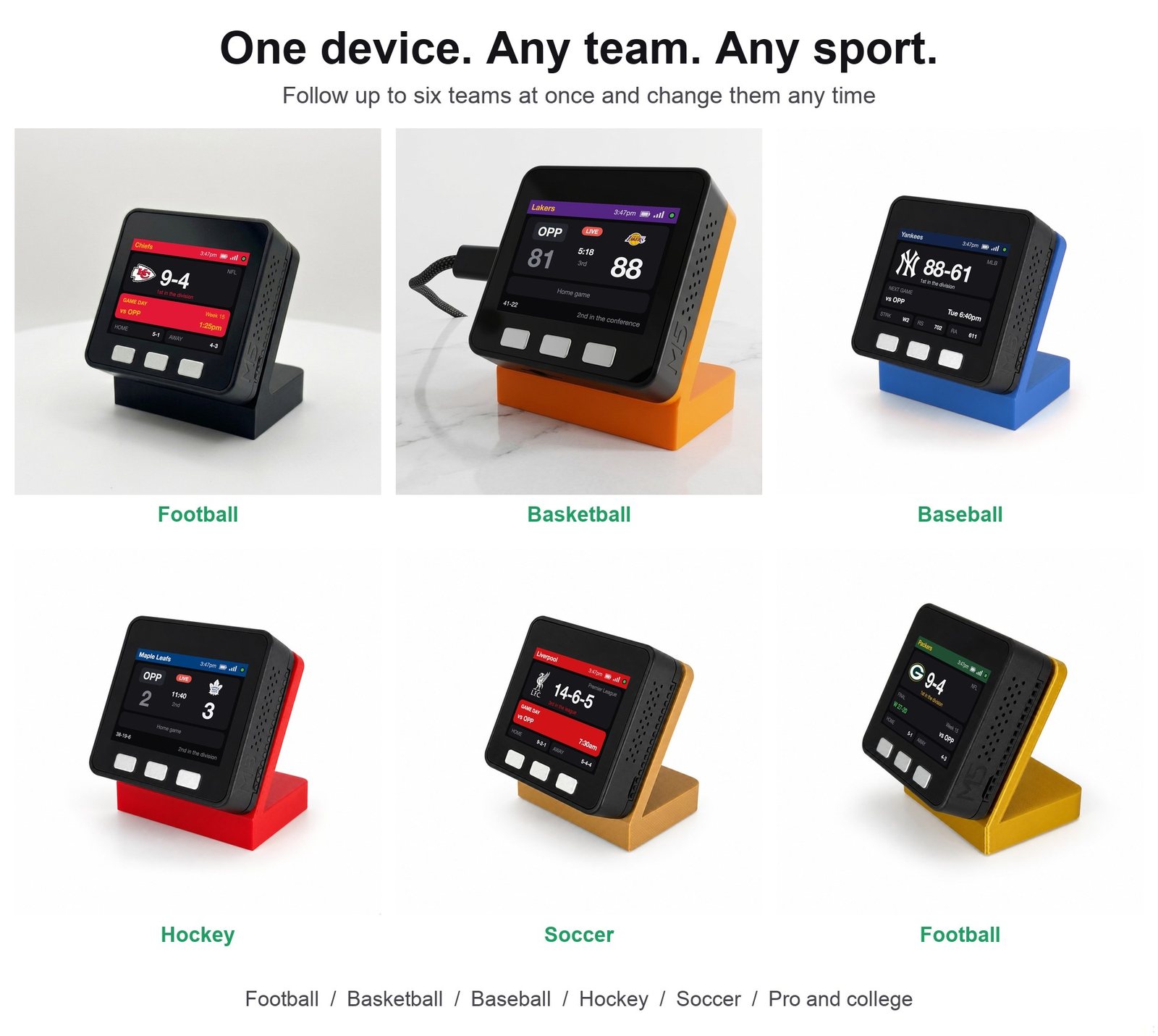
With more than one team, they rotate on their own. A live game stays up until it is over. Want to park on one team? Double tap the left button. Double tap again to rotate.
Buttons
| A (left) | Tap: show the next team. Double tap: stop / start rotating. Hold: device info (Wi-Fi, version, last update). |
|---|---|
| B (middle) | Tap: brightness. Hold 2 seconds: edit your team list. |
| C (right) | Tap: screen off / on. Hold 5 seconds, and keep holding through the red screen: factory reset (erases Wi-Fi and teams, back to setup). |
Add or swap teams later
If something is not right
The setup page did not open
Stay joined to the Sports Meter-XXXXXX network, open a browser and type
192.168.4.1. If your phone says the network has no internet, choose to stay
connected.
It says “WiFi connect failed”
The password was mistyped or the network is 5 GHz only. Hold C for 5 seconds (keep holding through the red screen) and run setup again.
I picked the wrong team
Hold B for 2 seconds and use the address on the screen. Nothing else is changed.
The score is a little behind my TV
Scores usually trail the live action by under a minute. Streams are often further behind than that.
New Wi-Fi, moving house, or giving it away
Hold C for 5 seconds and keep holding through the red screen. That erases the Wi-Fi and teams and returns the device to setup.
The team-list page will not load
The phone must be on the same Wi-Fi network as the device, not on mobile data or a guest network.
Still stuck?
Email [email protected] with a photo of the screen. If it arrived faulty, we will make it right.
Sports Meter is an independent product made by Encinitas 3D. It is not affiliated with, endorsed by, sponsored by or licensed by any league, team, conference or broadcaster. League and team names remain the property of their owners.