
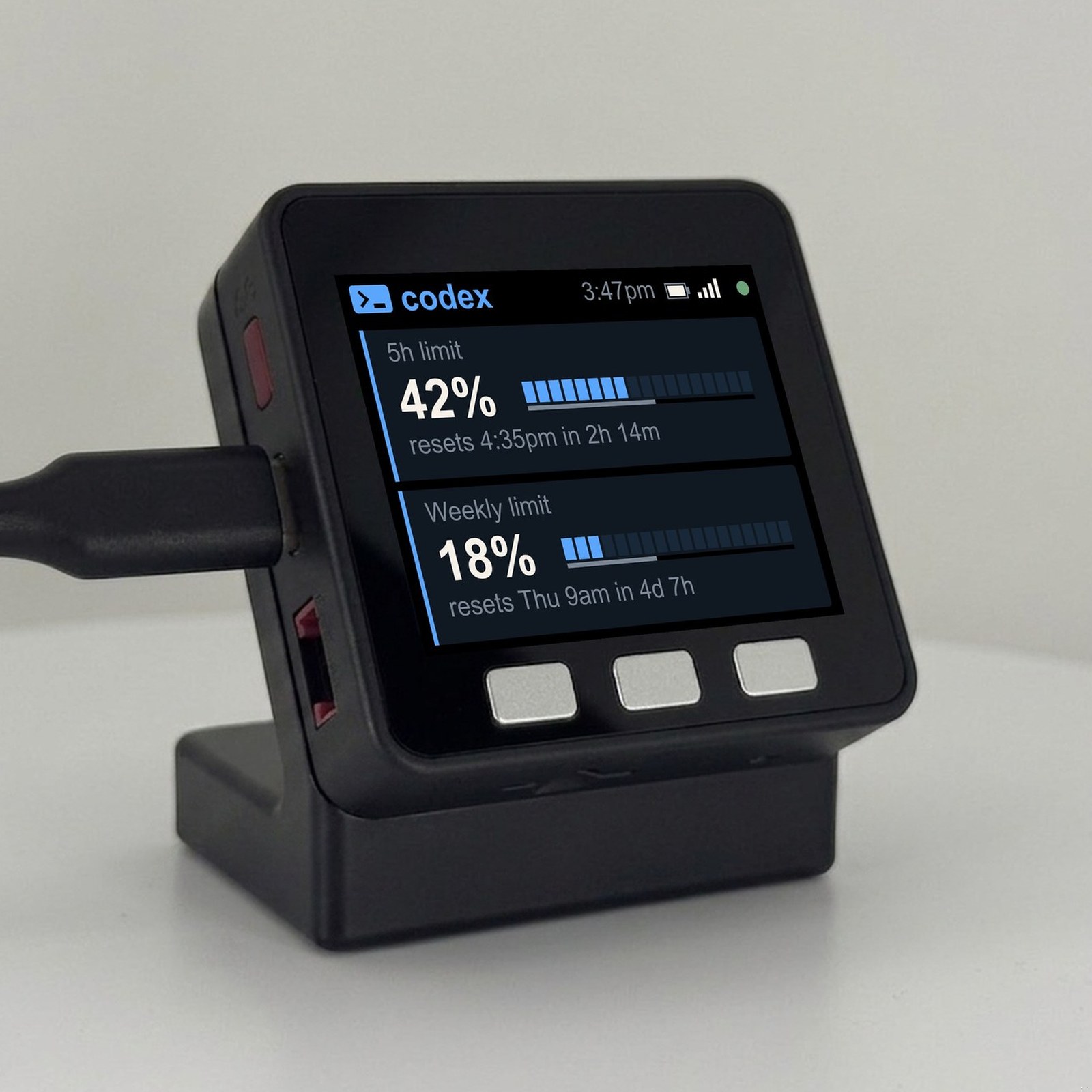
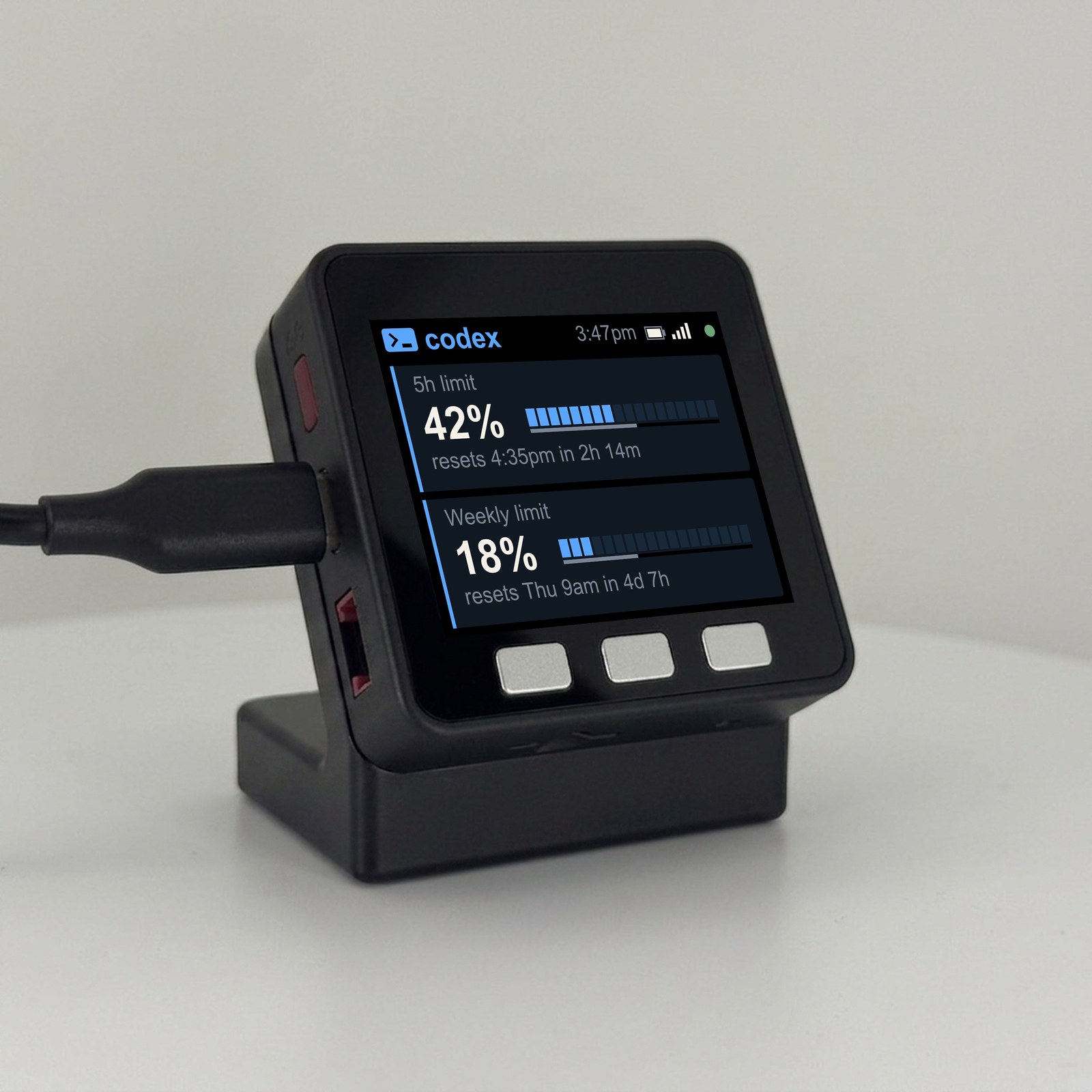
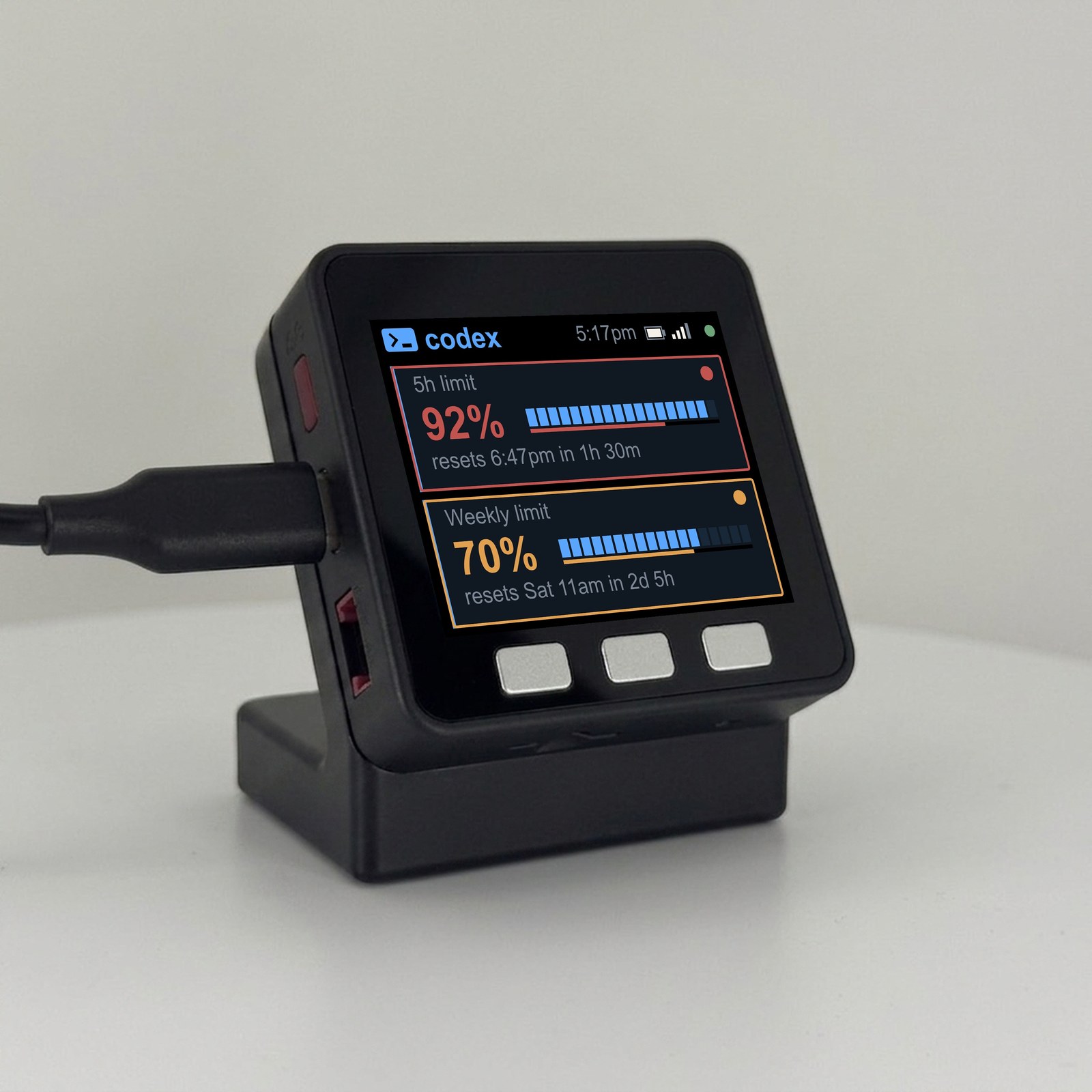
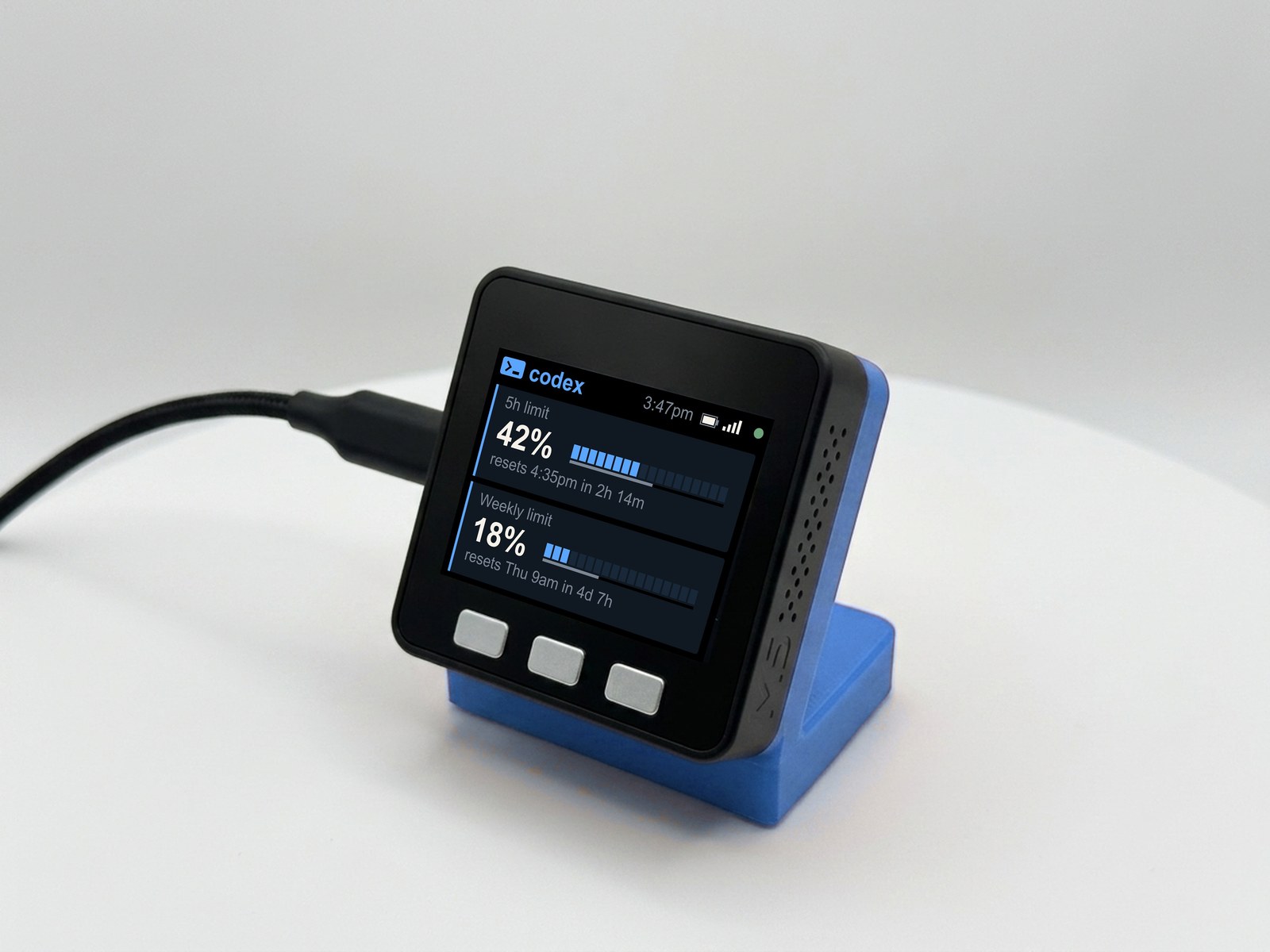
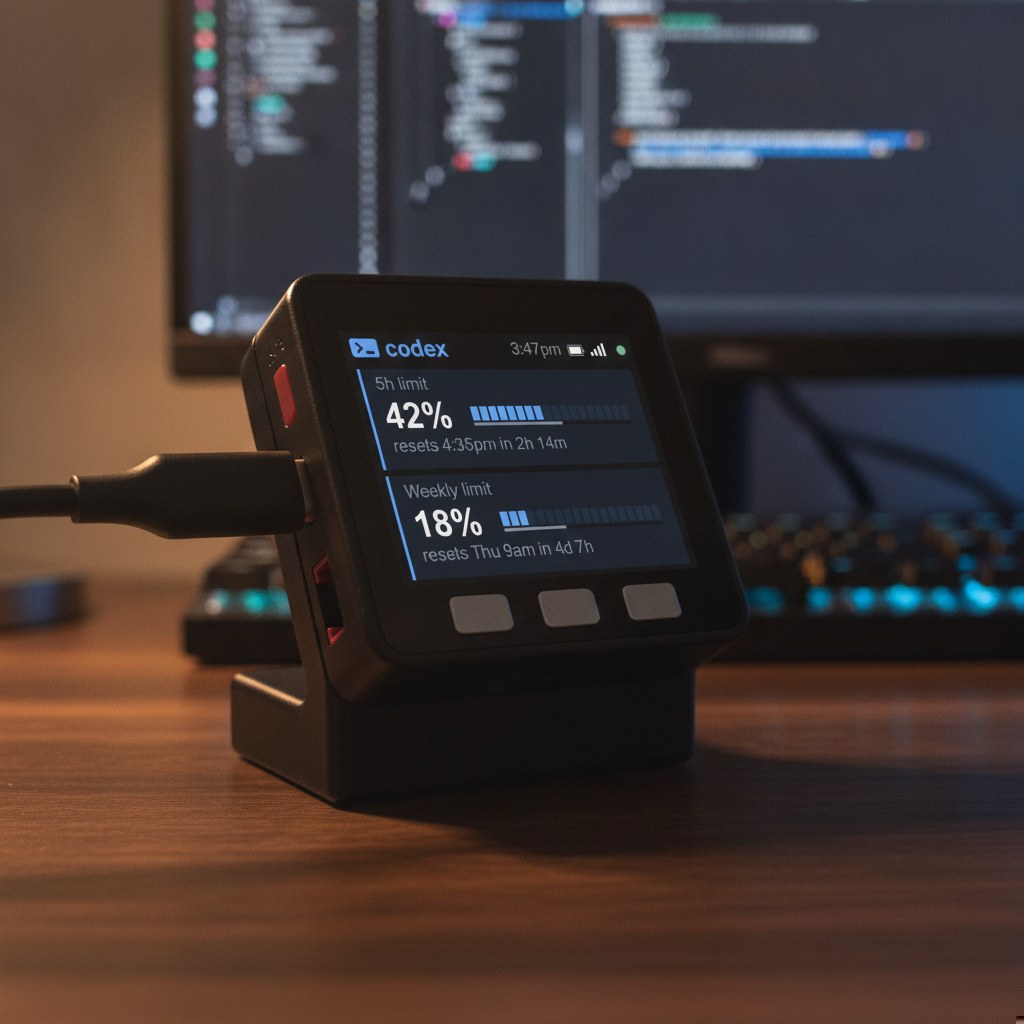
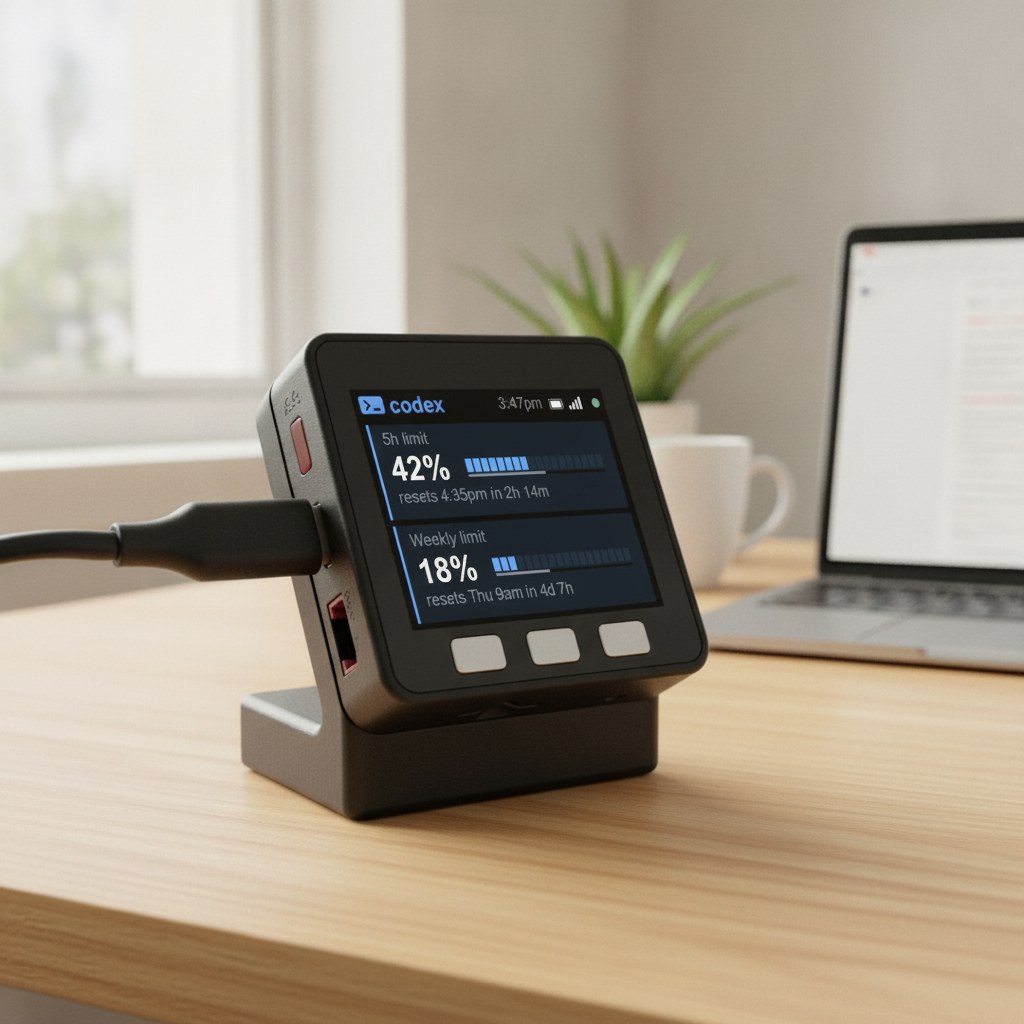
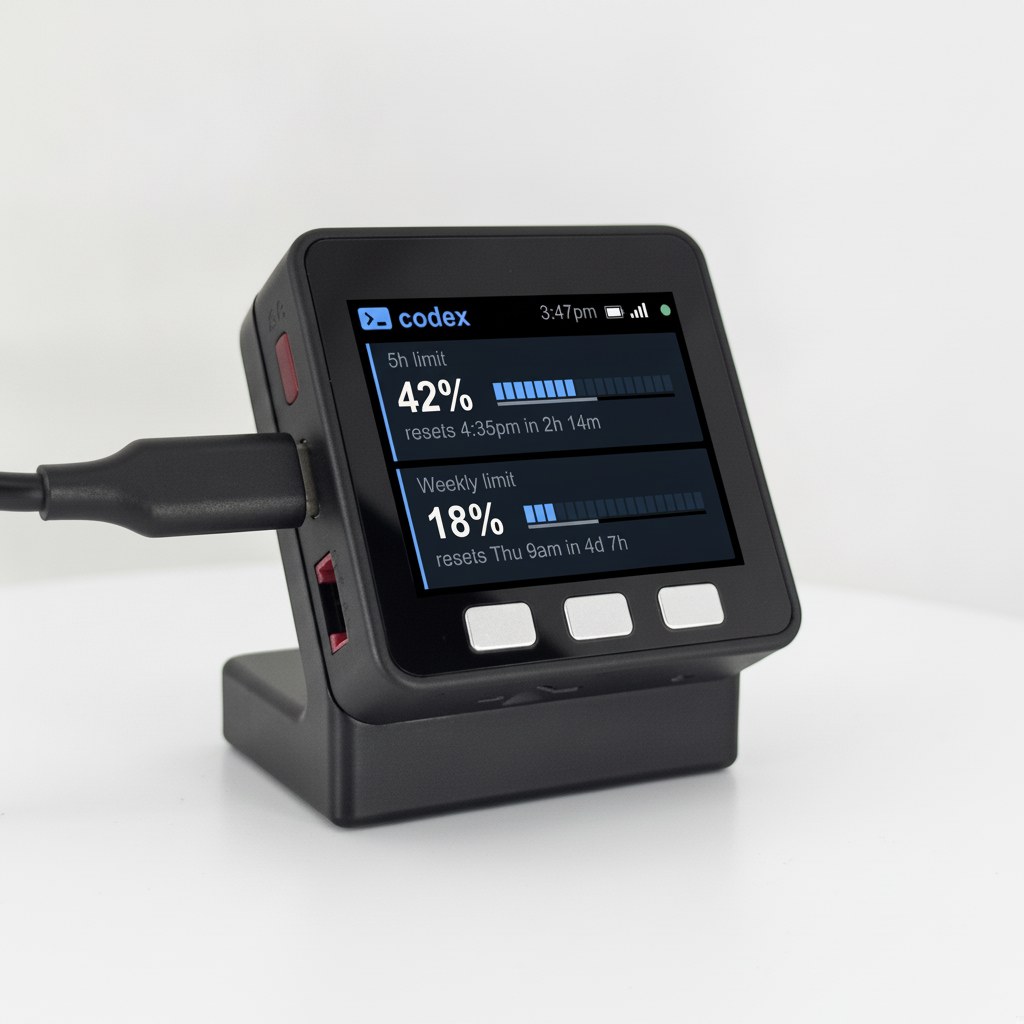
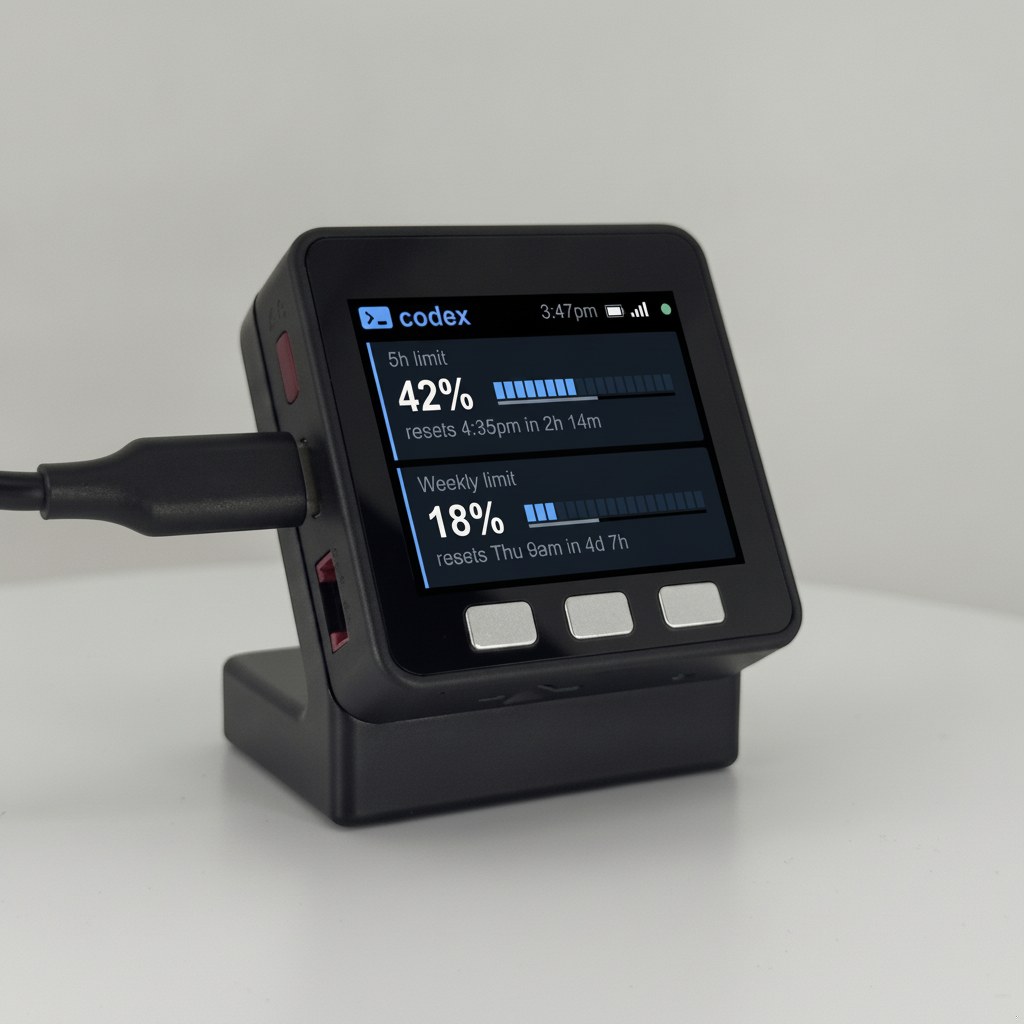
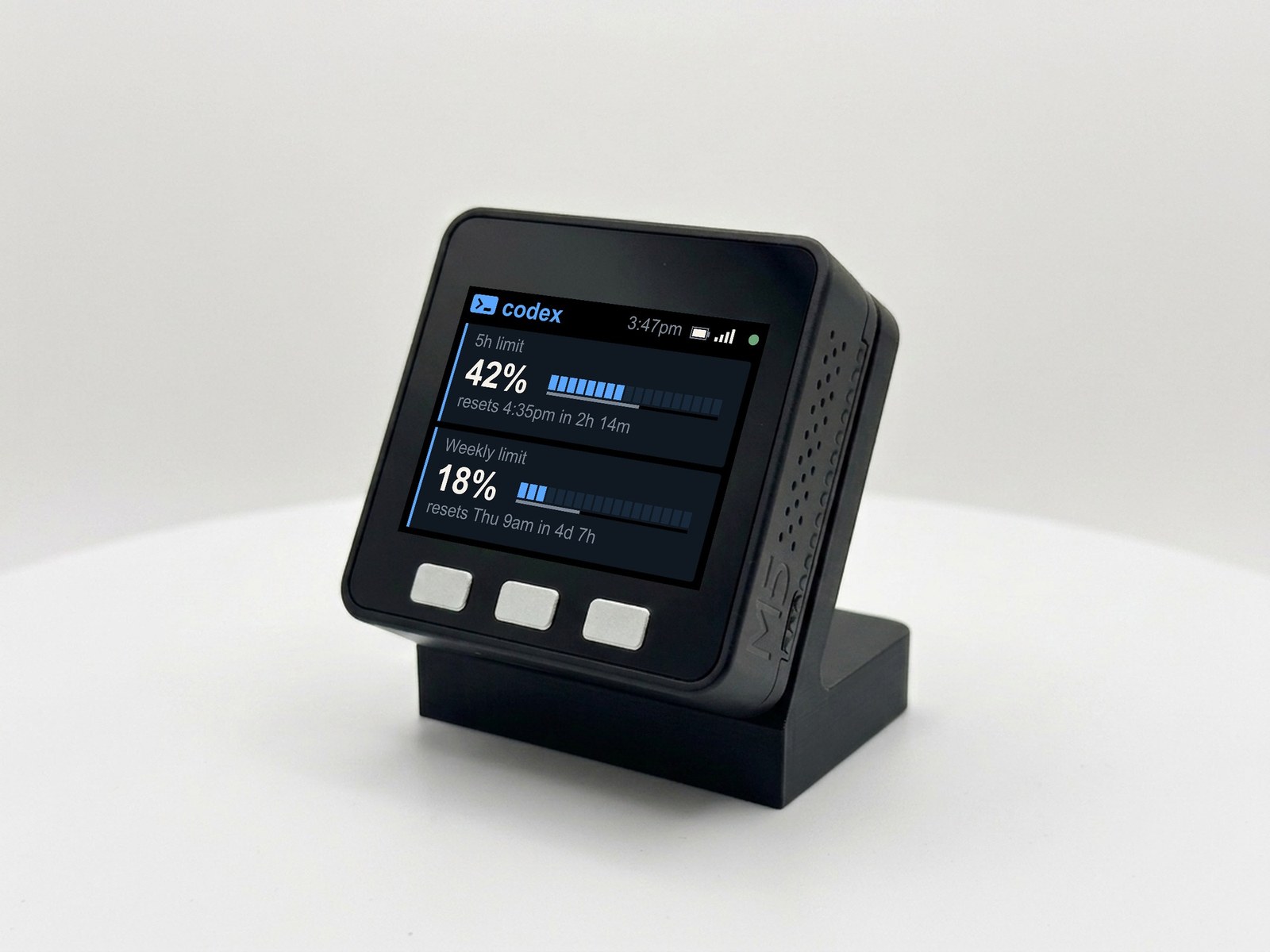
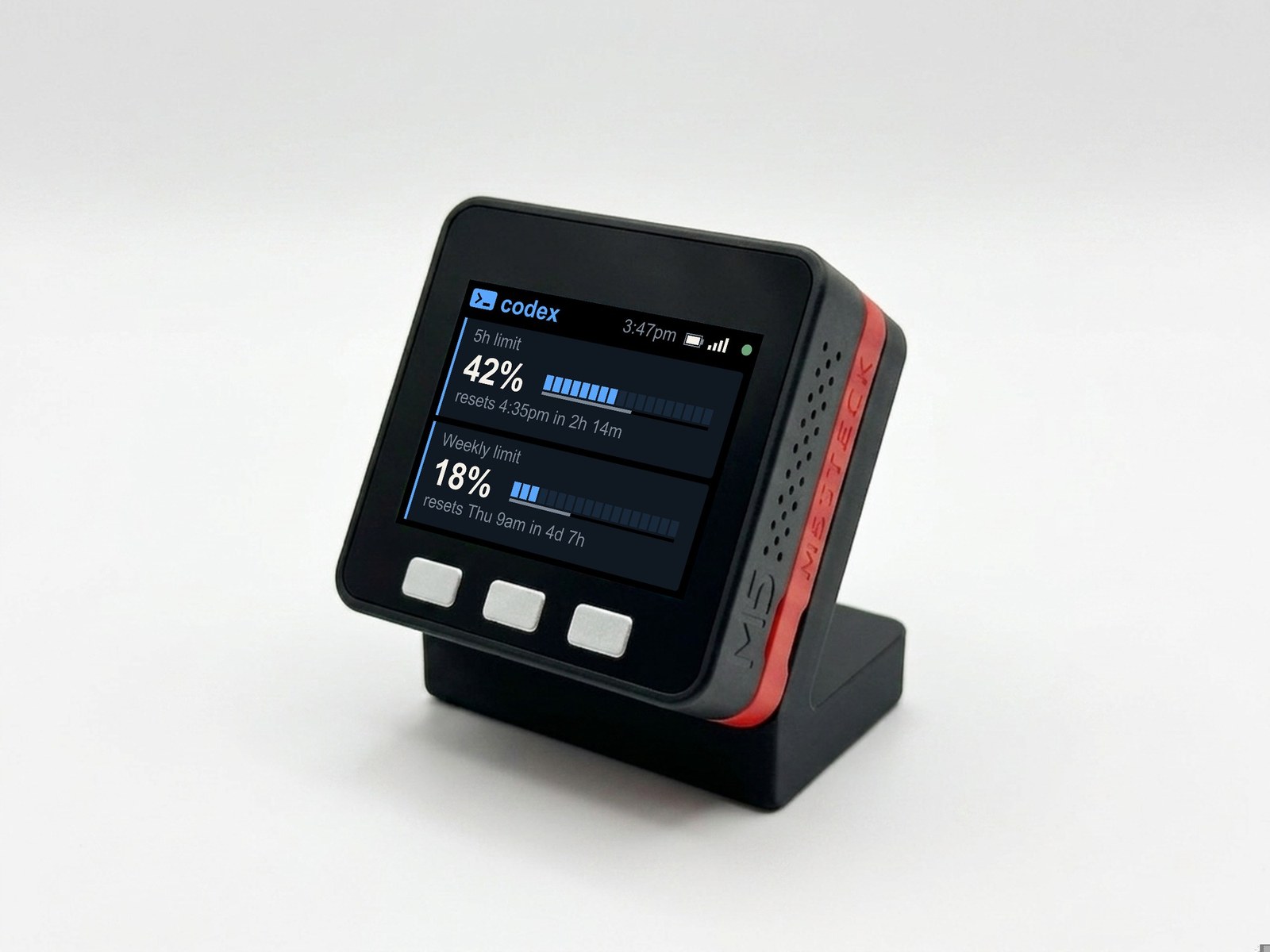
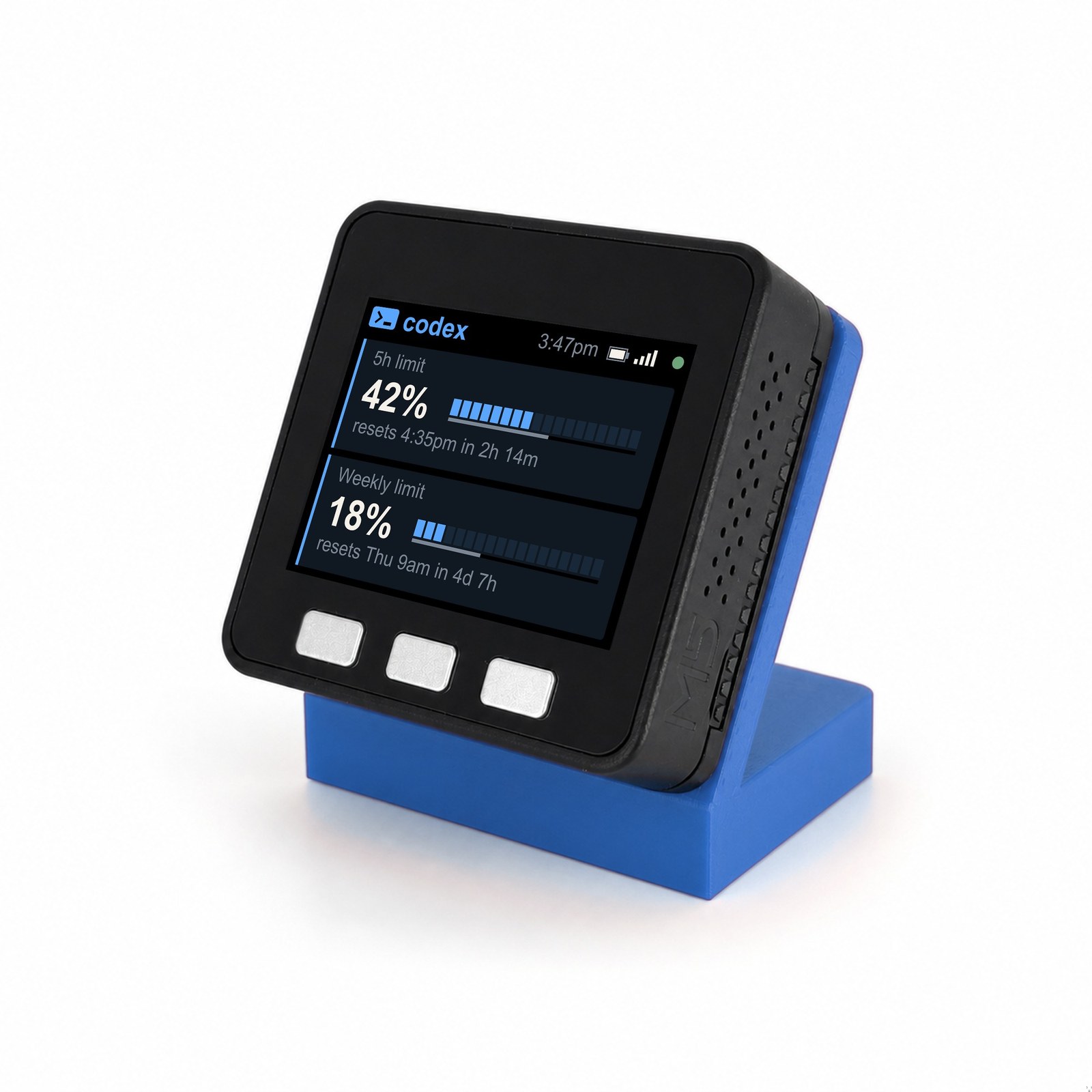
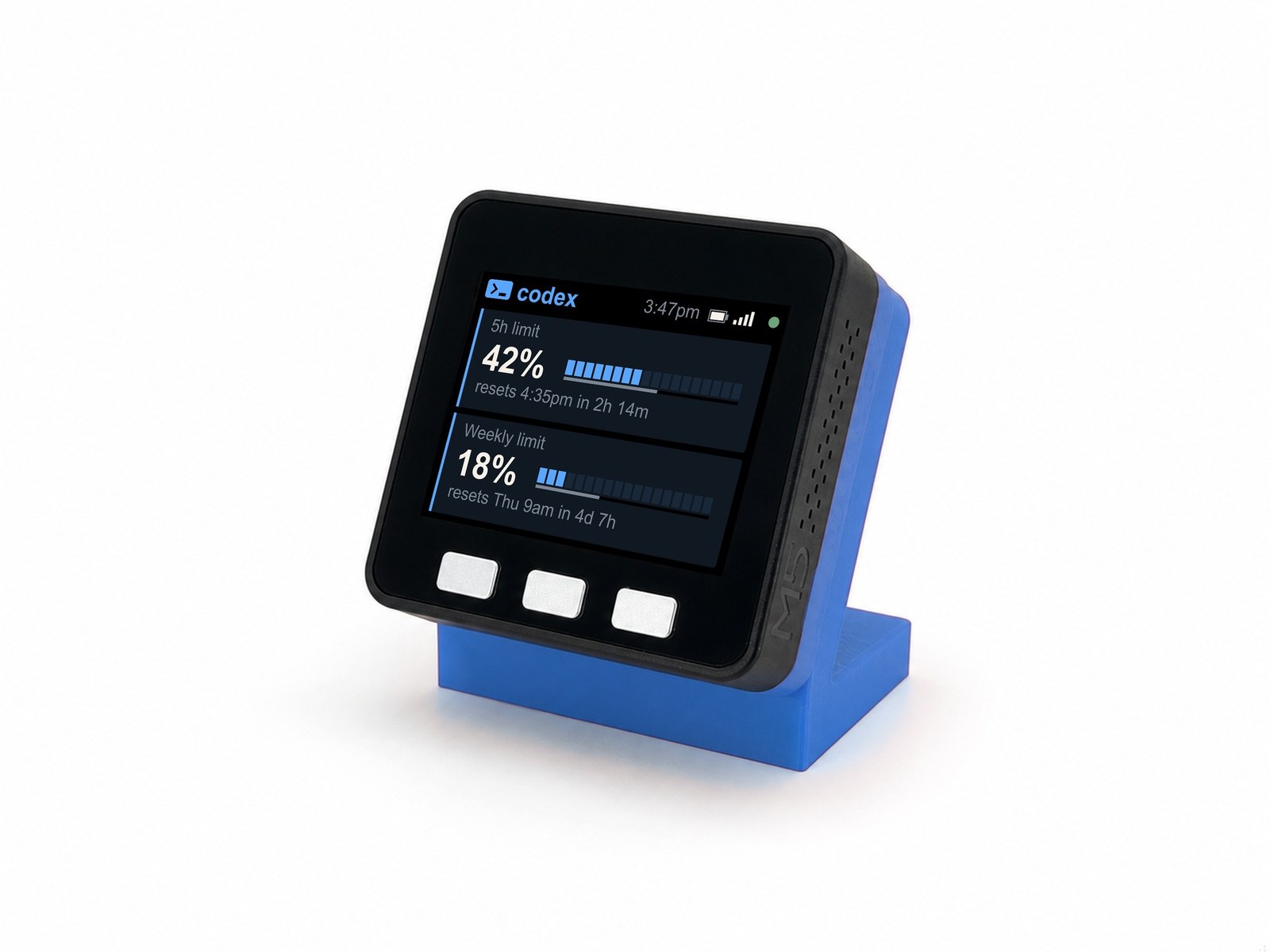
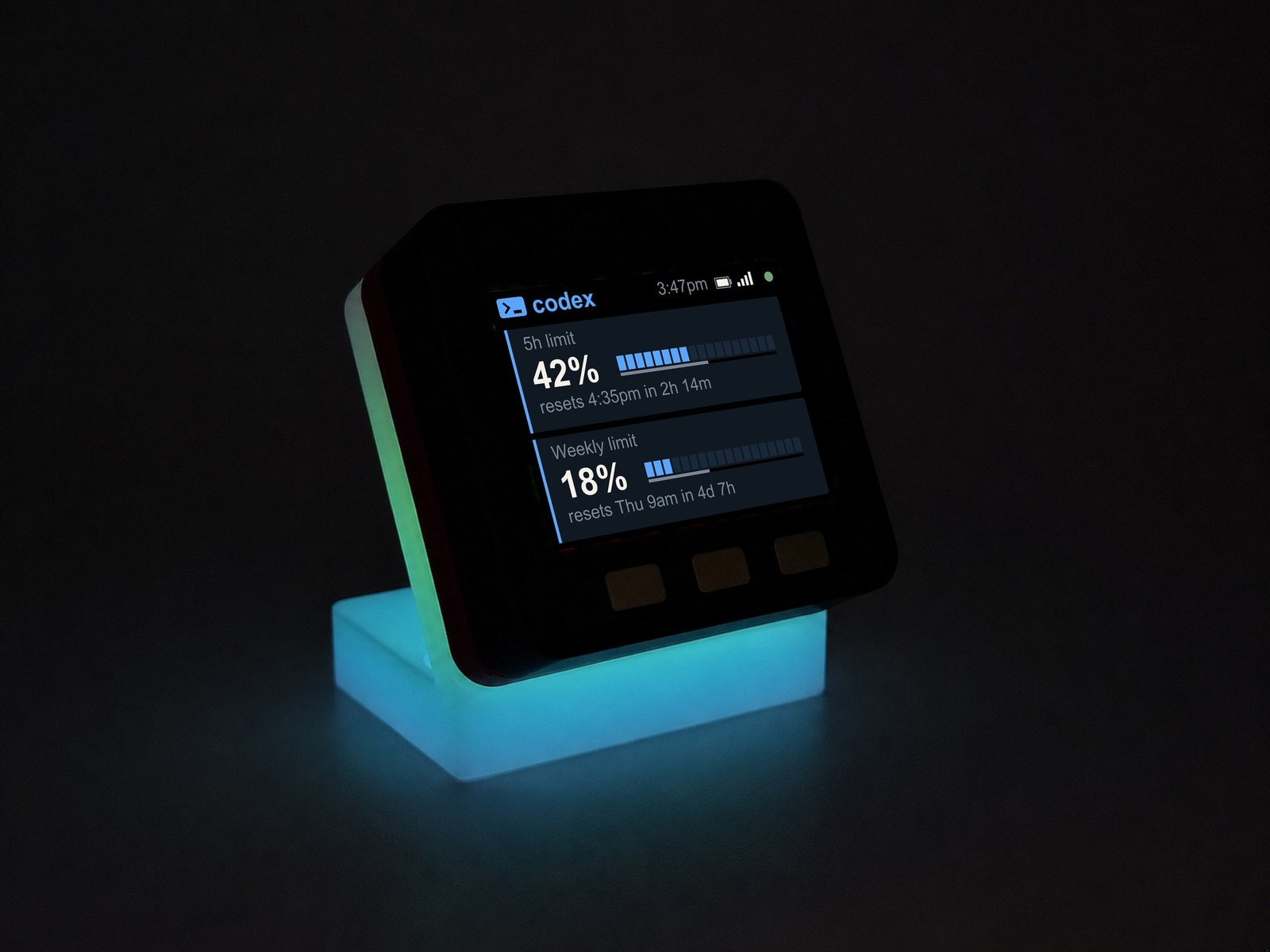
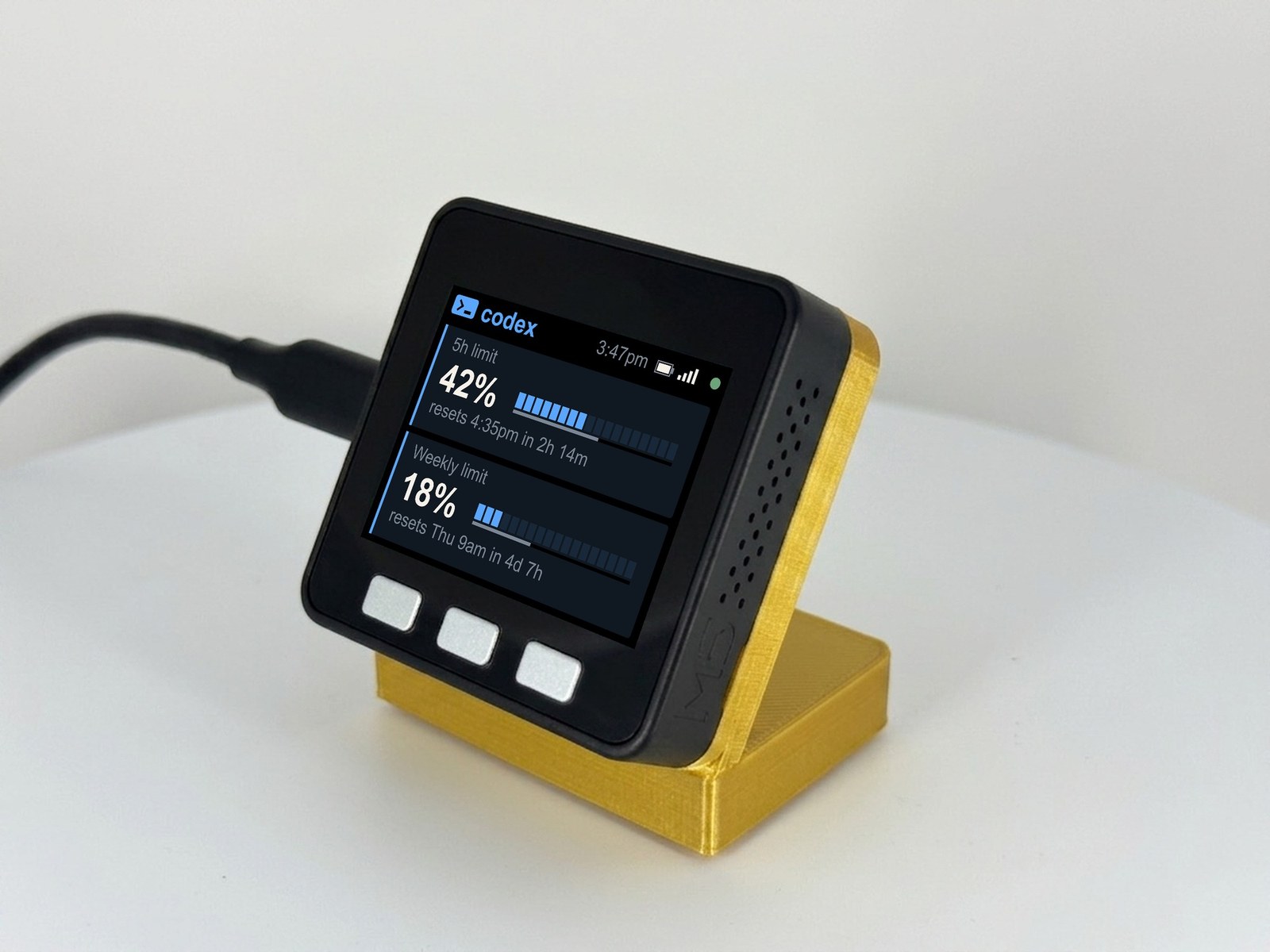
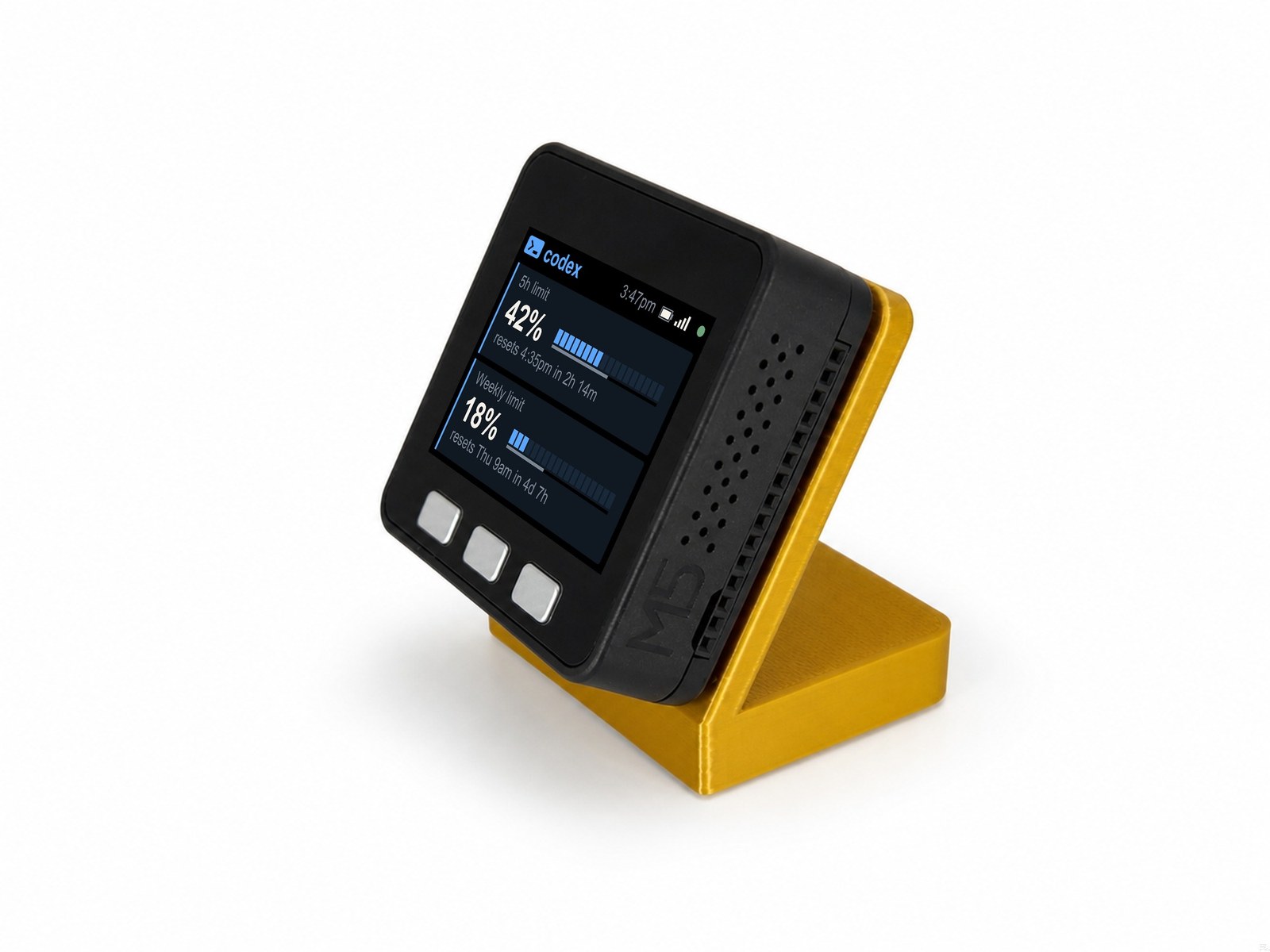
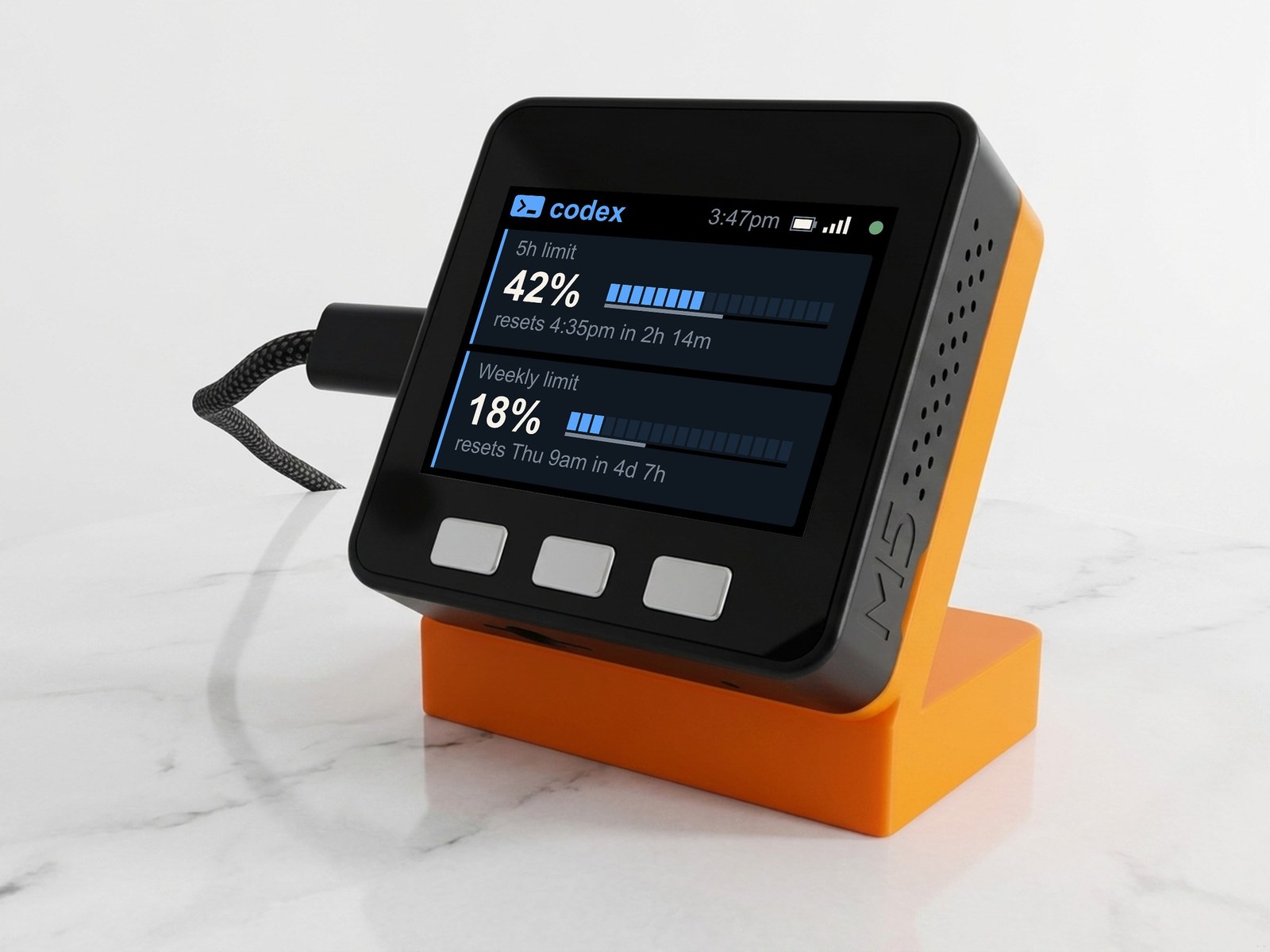
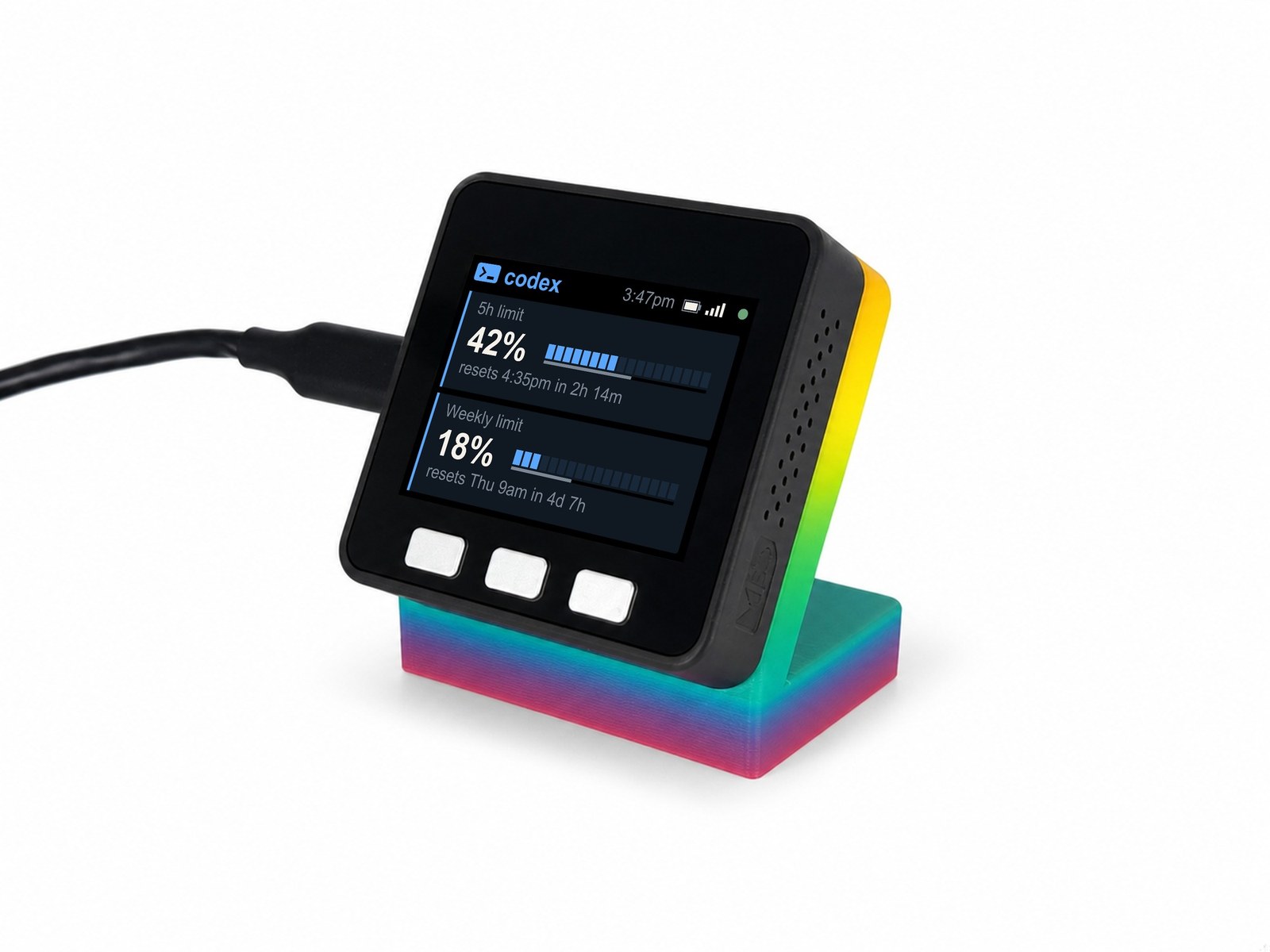
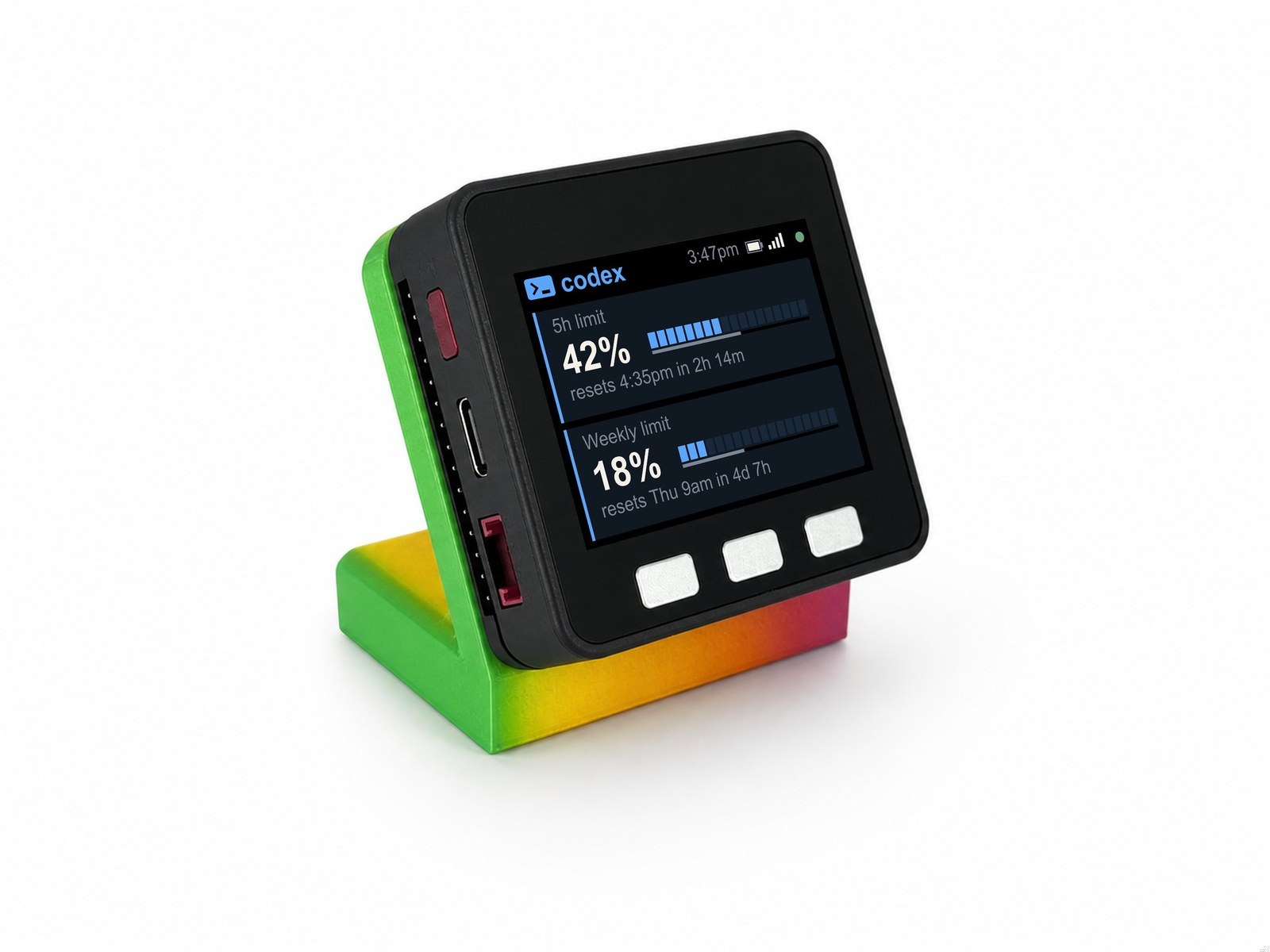
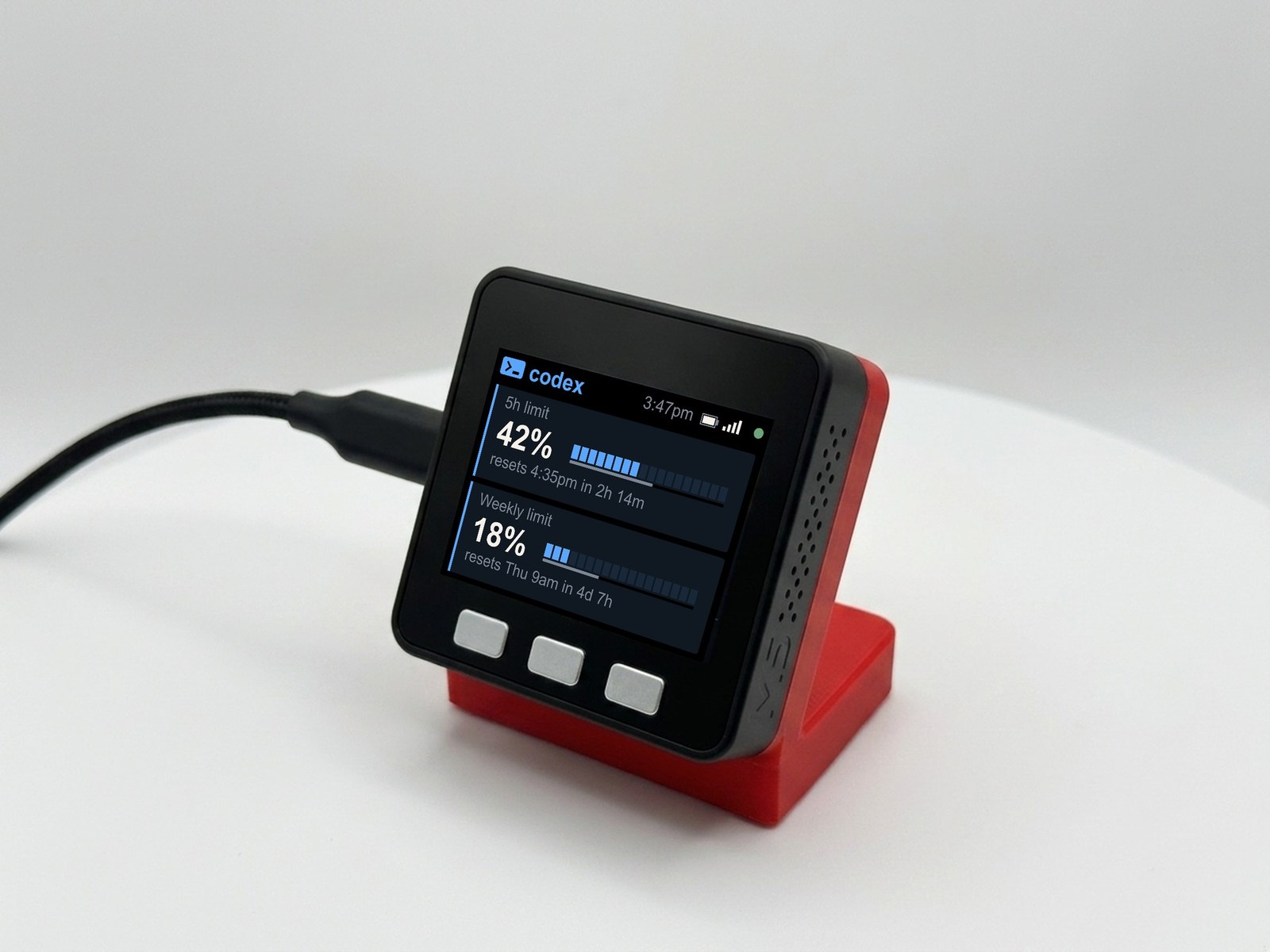
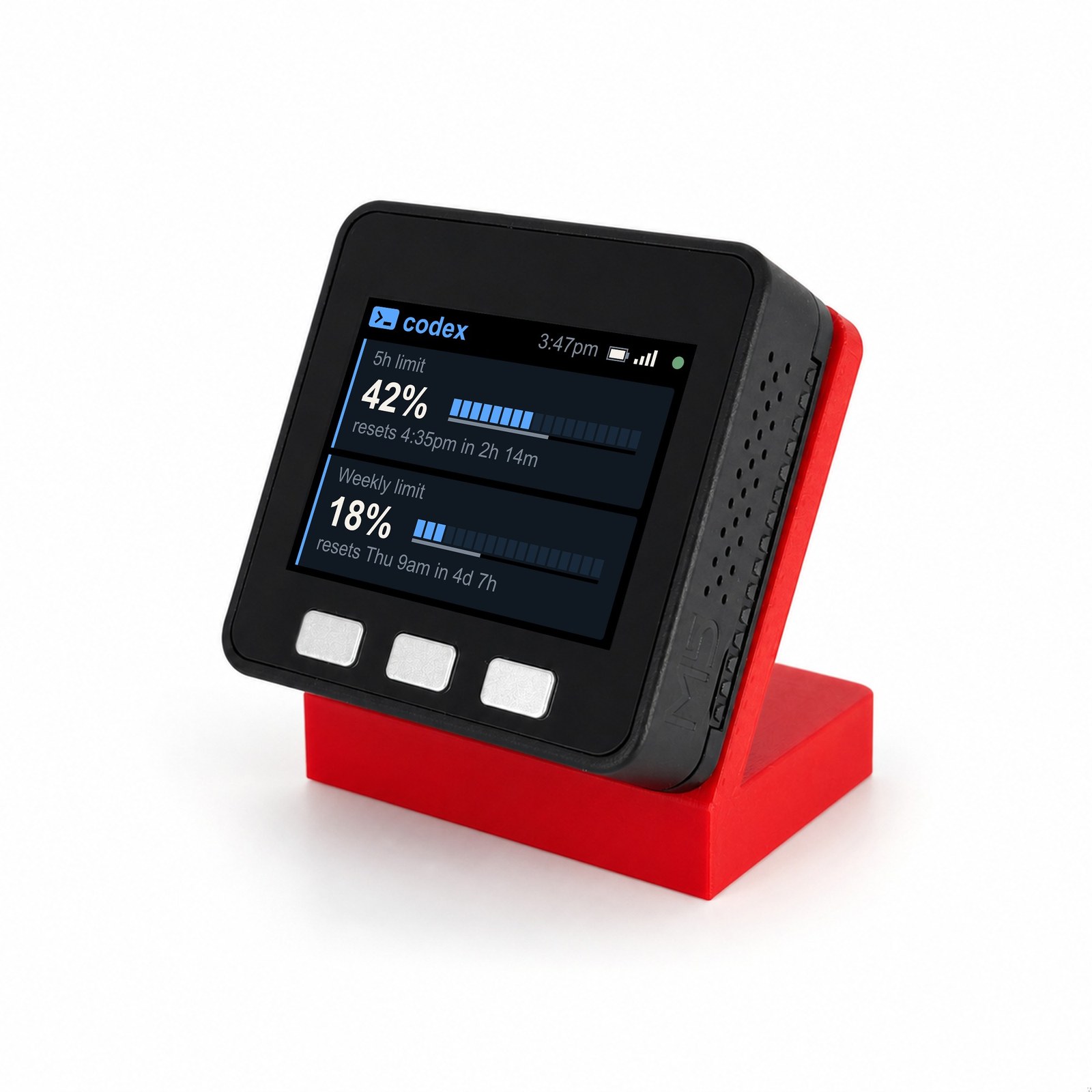
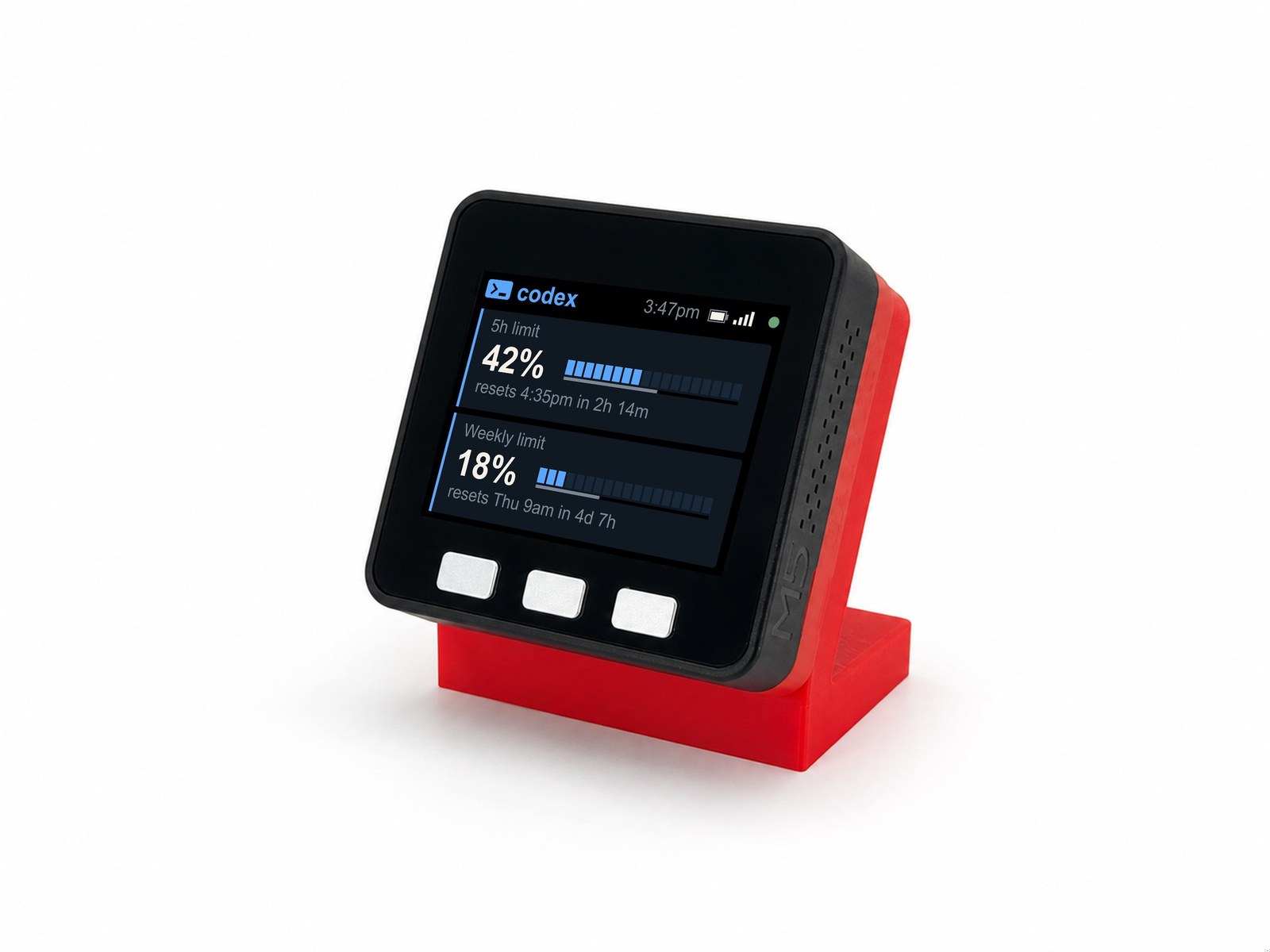
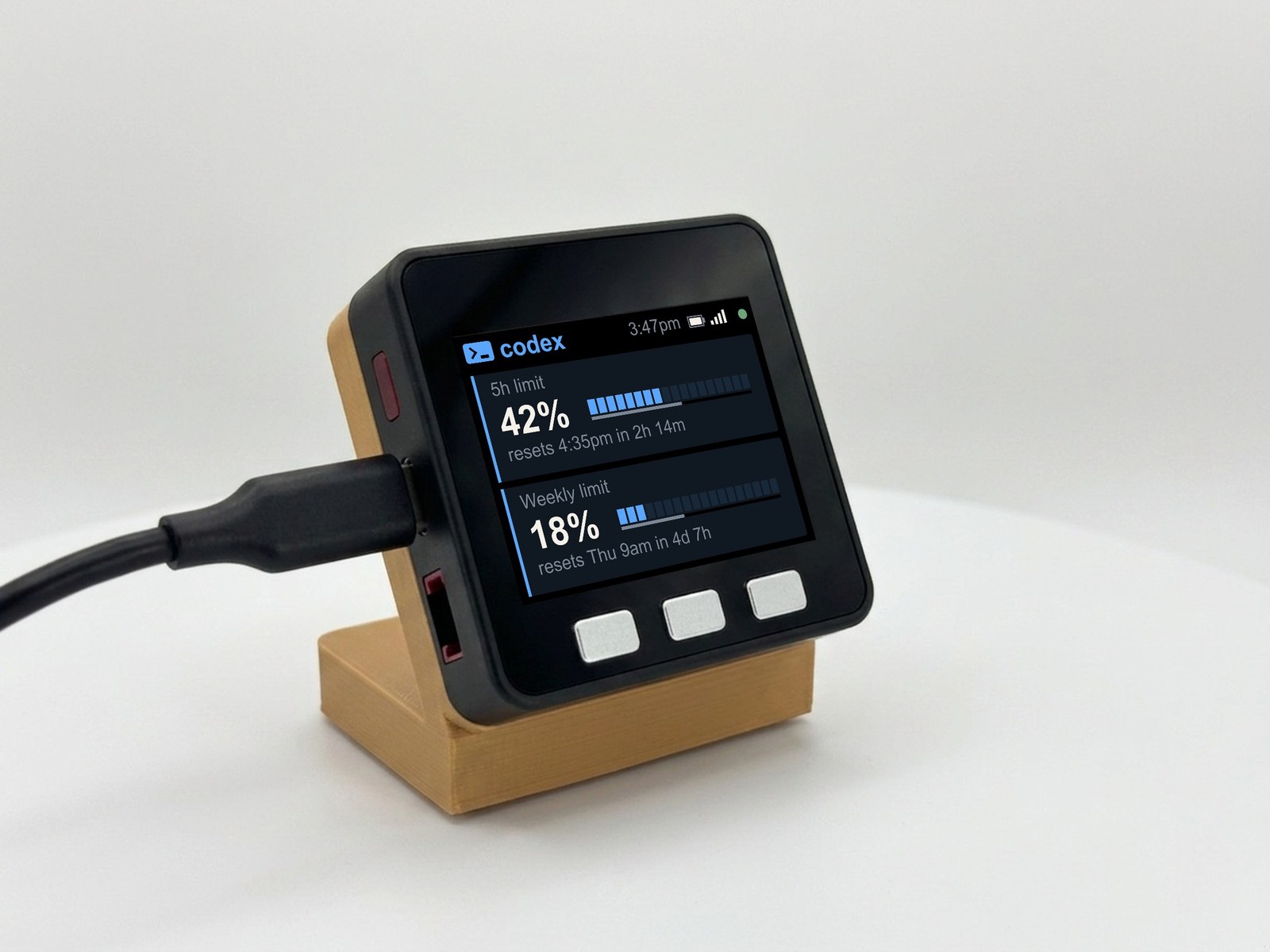
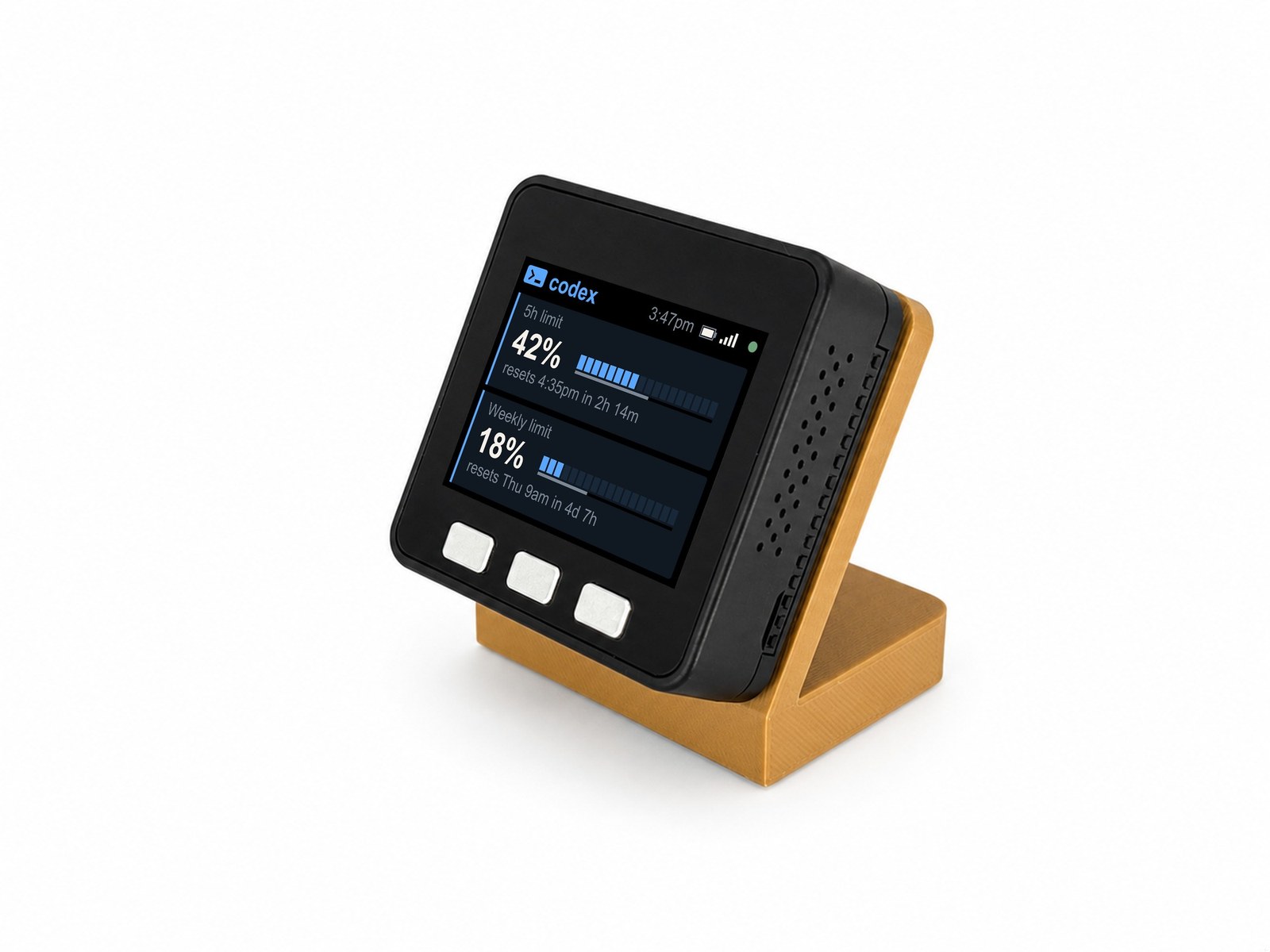
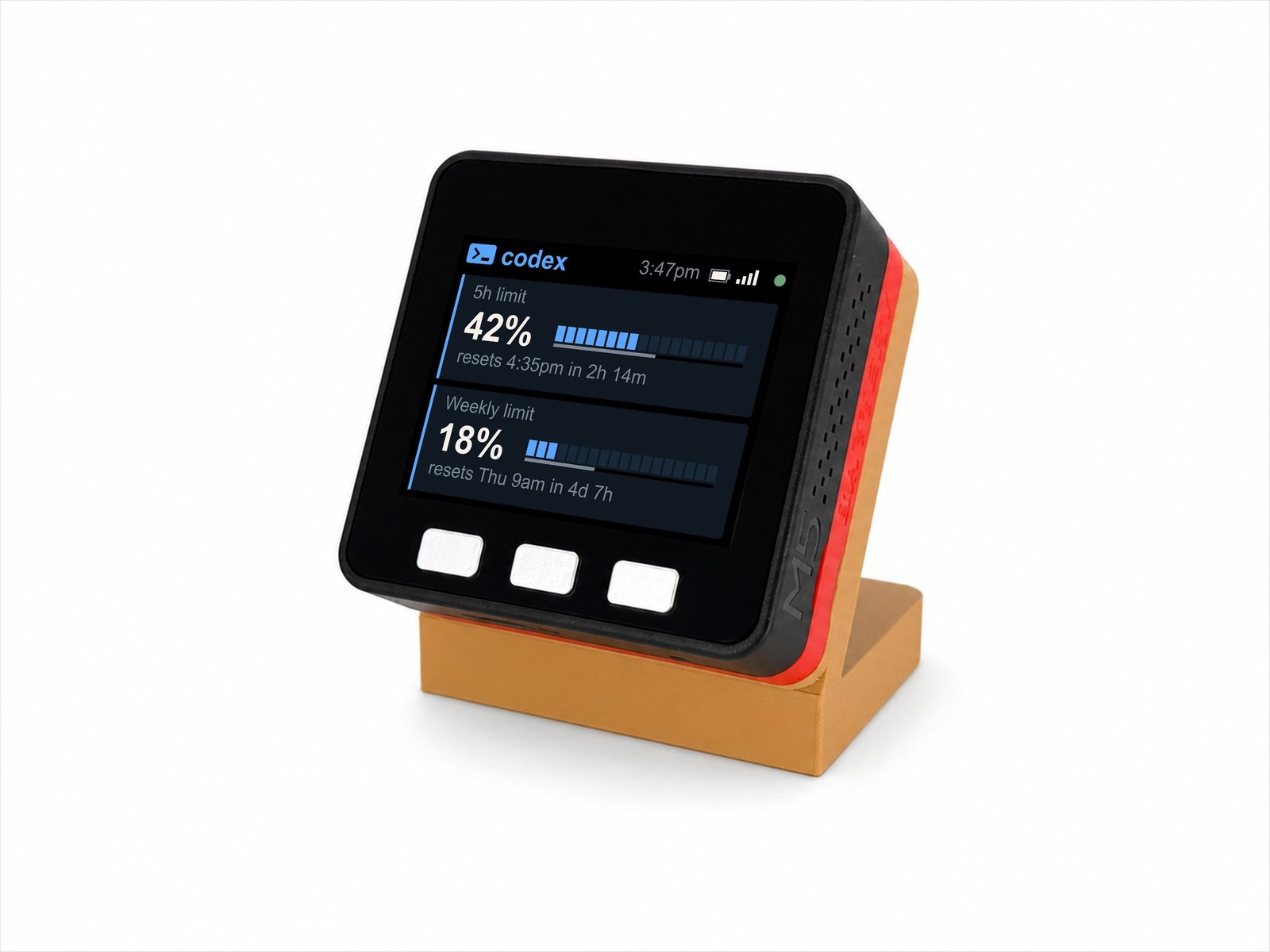
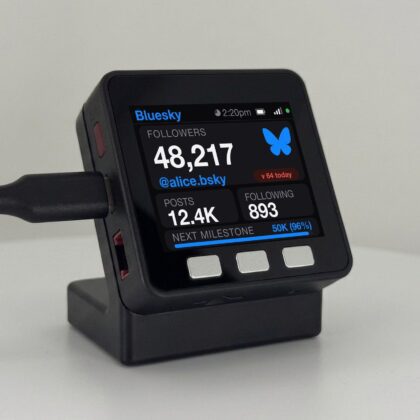
The OpenAI Codex Usage Meter from Encinitas 3D puts the Codex limits on your ChatGPT plan on your desk. If you live in Codex, you know the question: how much of my 5-hour limit is left before this task finishes? codeMeter answers it without opening a terminal. It’s a small, always-on color display that shows your 5-hour limit and your weekly limit as big percentages with segmented bars, reset countdowns, and amber and red warnings when you’re running ahead of the clock. It runs on its own over Wi-Fi. No laptop, no app, no command line, nothing to copy and paste. Set it up once with your phone and it quietly keeps you honest.
How the OpenAI Codex Usage Meter sets up (about 5 minutes)
- Plug it in. Any USB-C charger or port. The screen shows STEP 1 with a QR code.
- Join its Wi-Fi. On your phone, join
codeMeter-XXXXXX(the name is on the screen, or scan the QR). A setup page opens; if not, visithttp://192.168.4.1. - Pick OpenAI Codex. Tap Setup Device. Under “Which do you use?” tap OpenAI Codex, choose your home Wi-Fi, enter its password, and Save.
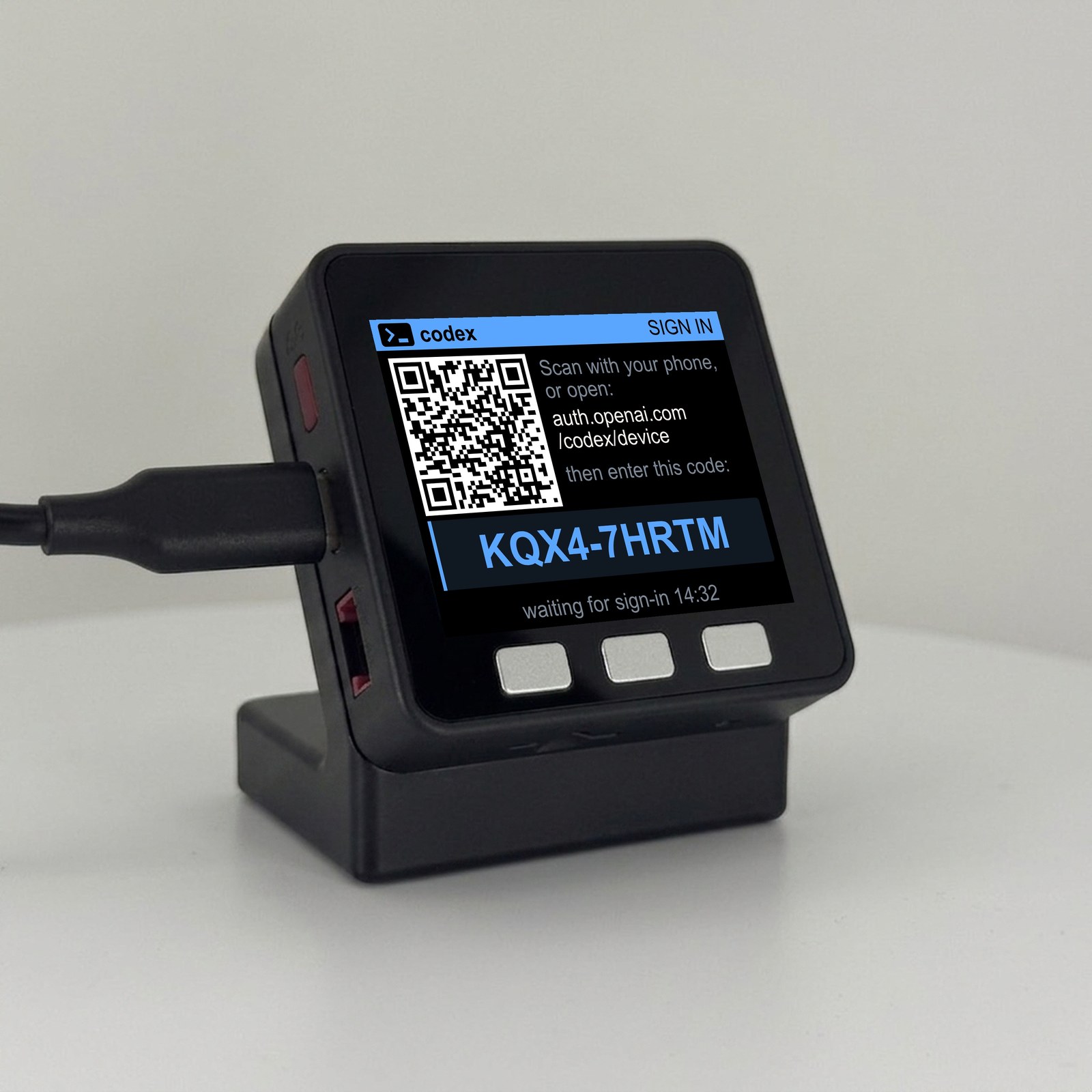
- Sign in with the code. codeMeter restarts and shows a blue SIGN IN screen with a QR code and a short code like
ABC1-2DEFG. On your phone, openauth.openai.com/codex/device(or scan the QR), sign in to ChatGPT, and type the code. - Done. The screen says “You’re all set” and your usage appears within seconds.
The code is valid for 15 minutes. If it expires, press button B for a new one. A printed quick-start card is in the box.
What you need
| OpenAI Codex | Claude Code (also supported) | |
|---|---|---|
| Plan | A ChatGPT plan that includes Codex. Personal plans such as Plus or Pro; verified on ChatGPT Plus. Business and Enterprise workspaces are not yet verified. | An active paid Claude plan (Pro or Max). Team/Enterprise accounts see a monthly usage view instead of 5-hour/weekly. |
| Computer | Not needed | Needed once: the Claude CLI, to run claude setup-token |
| Command line / token | None | One command, one token to paste (or use the pairing helper at encinitas3d.com/codemeter) |
| Phone | Yes, to join setup Wi-Fi and sign in | Yes, to join setup Wi-Fi |
| Wi-Fi | 2.4 GHz with WPA2 (not 5 GHz-only, not WPA3-only) | Same |
| Effect on your quota | None. It reads ChatGPT’s own usage endpoint (the one Codex’s /status uses) and makes no model calls. |
A tiny request on Anthropic’s cheapest model per update, a negligible slice of your allowance |
What to expect
- Setup: about 5 minutes, entirely on your phone.
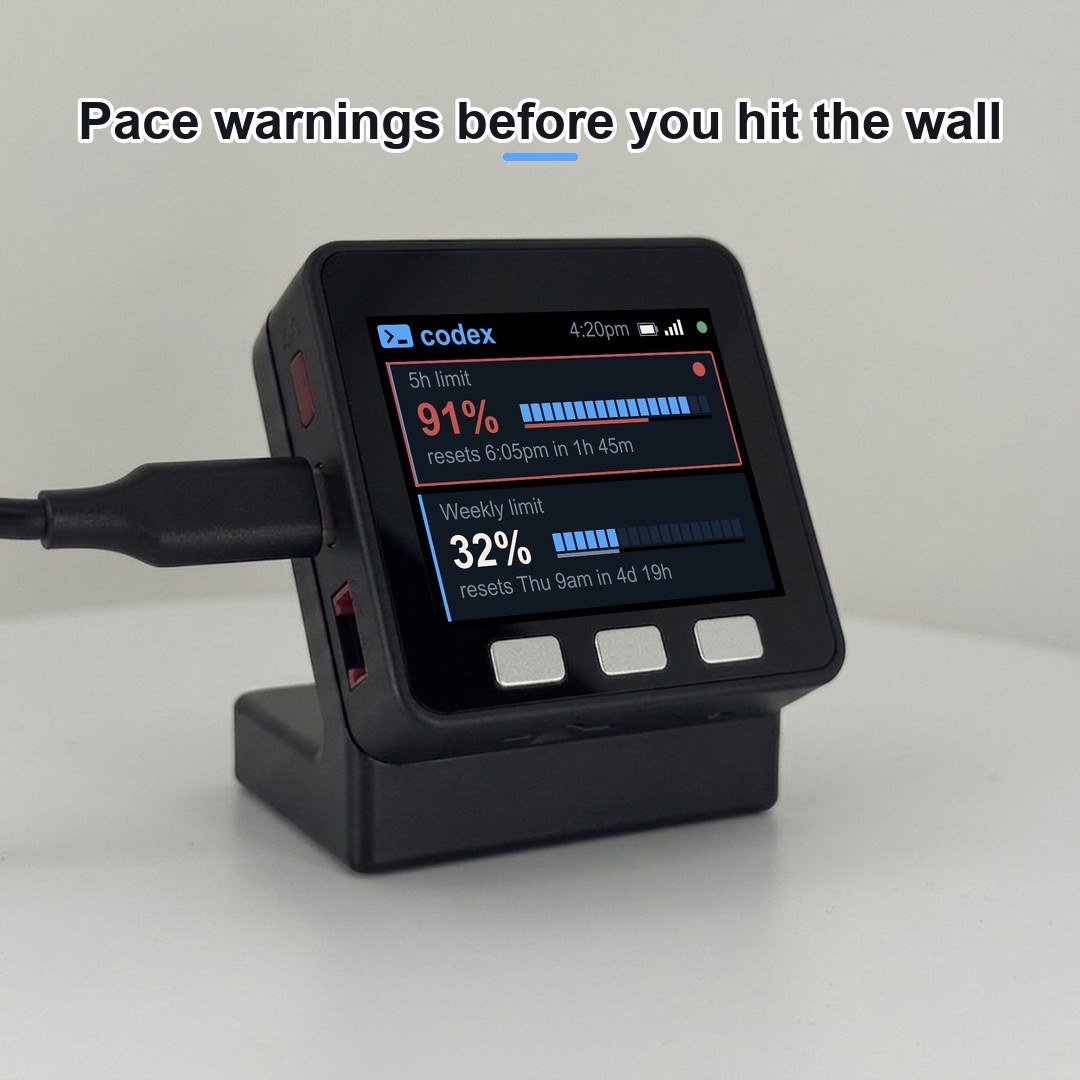
- The screen: “5h limit” and “Weekly limit” percentages, segmented bars, a thin elapsed-time marker, reset time plus countdown, and amber/red pace warnings. Codex devices use a blue
>_ codextheme, so they’re easy to tell apart from an orange Claude one. - Refresh: every 60 seconds. Firmware updates install themselves over Wi-Fi (it checks every 6 hours).
- If the login lapses: the device renews its ChatGPT sign-in on its own (about every 10 days). If that ever fails, the screen says “Codex login expired”. Hold button B about 7 seconds and sign in again on the device. Your Wi-Fi is kept.
What the OpenAI Codex Usage Meter shows
- 5h limit and Weekly limit, as big readable percentages.
- A segmented bar for each, with a thin elapsed-time marker so you can see if you’re spending faster than the window is passing.
- Pace warnings: the bar stays blue; the percentage, the card outline and corner dot, and the time line turn amber when you’re running ahead and red when you’re clearly overspending.
- Reset countdowns: “resets 4:35pm in 2h 14m”, “resets Thu 9am in 4d 7h”.
- A Status screen (hold button A) with Wi-Fi, signal, IP, uptime, and “Service: Codex (plus)”.
What’s in the box
- codeMeter: an M5Stack Core (ESP32) with a 320×240 color LCD and three buttons, pre-flashed and ready.
- A 3D-printed desk stand, printed to order here in Encinitas, CA.
- A USB-C cable.
- A printed quick-start card covering both Codex and Claude setup.
- Optional Standard or All Day battery for cord-free placement (choose Battery above).
Switching between Codex and Claude
One firmware supports both. To switch, hold button C for about 7 seconds (a red RESET screen appears at 5 seconds; keep holding) to wipe the device, set it up again, and pick the other service. No reflashing.
Privacy & security (we’re upfront about this)
- Your ChatGPT sign-in is stored on the device only. There’s no Encinitas 3D server and no account with us.
- The device connects directly to OpenAI (or Anthropic if you pick Claude) over encrypted connections, plus GitHub for firmware updates, internet time servers, and ip-api.com for a timezone lookup. That’s the complete list.
- You stay in control: to cut off a lost device, sign it out from your ChatGPT account’s security settings (for example “Log out of all devices”). Before lending or reselling, wipe it by holding button C for about 7 seconds.
Specs
| Display | 320×240 IPS color LCD |
| Compute | ESP32 (M5Stack Core Basic) |
| Power | USB-C (5V); runs from any charger or PC port |
| Battery | None in the USB-C model (USB-powered); Standard or All Day battery optional |
| Connectivity | 2.4 GHz Wi-Fi (WPA2) |
| Refresh | every 60 seconds |
| Services | OpenAI Codex or Claude Code (choose at setup) |
| Buttons | A: light/dark, hold for Status · B: brightness, hold to sign in again · C: screen on/off, hold to reset |
| Setup | phone only for Codex; phone + a one-time claude setup-token for Claude |
| Updates | automatic over Wi-Fi; USB recovery at bricekevin.github.io/fw |
| Stand | 3D-printed, made to order |
Good to know
- One device shows one account on one service at a time.
- The Codex sign-in code on the screen is valid for 15 minutes. Press B for a new one.
- Behind an ad or DNS blocker (Pi-hole, AdGuard)? Allow
chatgpt.com,auth.openai.com, andip-api.com.
The OpenAI Codex Usage Meter ships pre-flashed and ready: plug it in, pick OpenAI Codex, and sign in on your phone.
Not affiliated with OpenAI or Anthropic. codeMeter is an independent hardware project. OpenAI, ChatGPT, and Codex are trademarks of OpenAI; Claude and Anthropic are trademarks of Anthropic. codeMeter is not made by, endorsed by, or affiliated with either company. It simply reads usage figures your own account is entitled to see.
Reviews
There are no reviews yet.