
What’s new in codeMeter
Your codeMeter updates itself over Wi-Fi, free. When we add something in the workshop, it arrives on your desk on its own: no cable, no app, no subscription. Here is what has arrived, newest first.
To see which version you have, hold A for the Status screen.
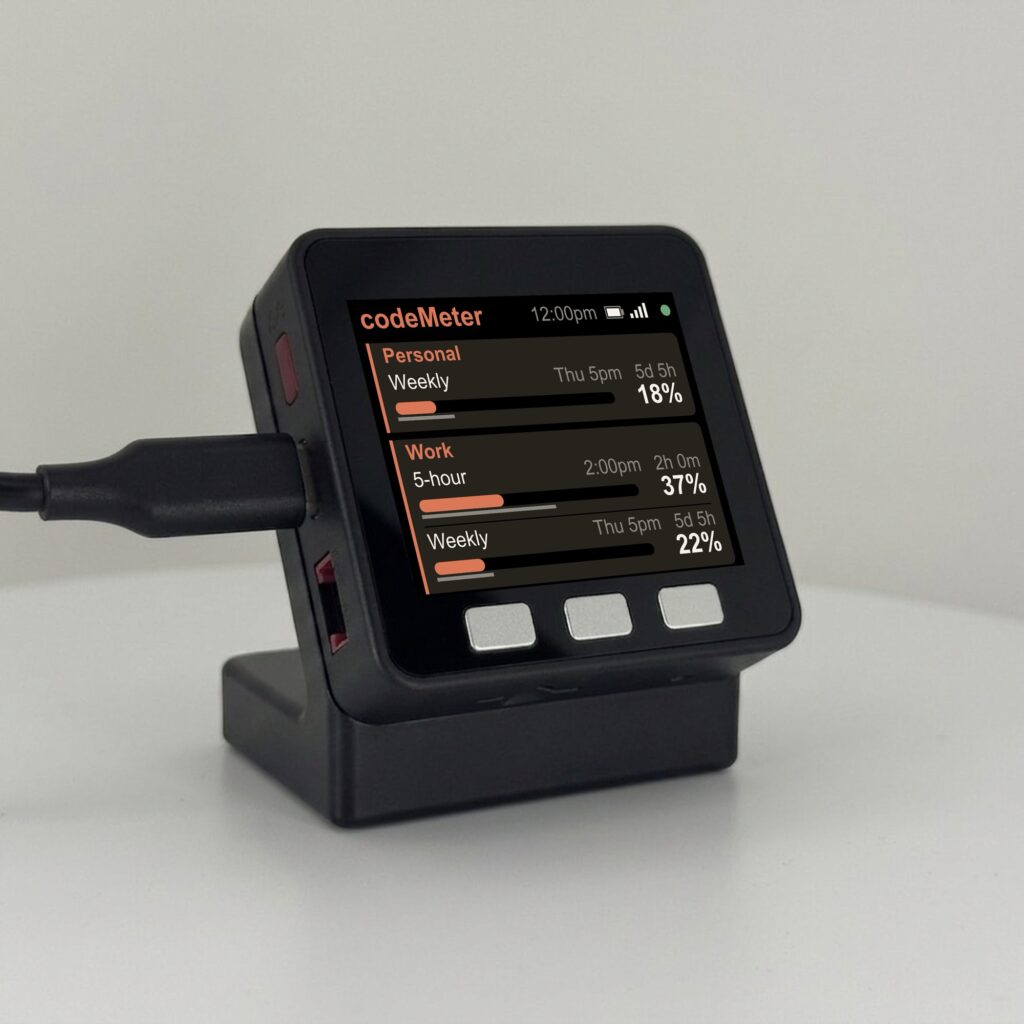
Warnings on weekly-only plans too
- The big weekly card warns you as well. On weekly-only plans (Claude Pro and Max since October 30) the single large card now gets the amber outline and dot when you are ahead of pace, and red when you are clearly overspending, like every other screen.
Nothing to do: your codeMeter updates itself.
Clearer warnings on every screen
- The warning outline is on every layout. When a limit runs ahead of the clock, its card gets an amber outline and a dot; when you are clearly overspending, red. This now works on the two-account and Claude + Codex screens too.
- Same look everywhere. Claude and Codex cards share the same rounded corners, and the outline replaces the coloured side bar so the edge reads as one clean border.
- More room on four-line screens. The percent sits a little higher, so the bar, its time marker and the number never touch.
Nothing to do: your codeMeter updates itself.
Two accounts on one screen
- Two Claude accounts. Choose 2 Claude accounts at setup and paste a token for each. The screen shows one card per account.
- Name them. Up to 10 characters each, like Personal and Work. Names work on the Claude + Codex screen too.
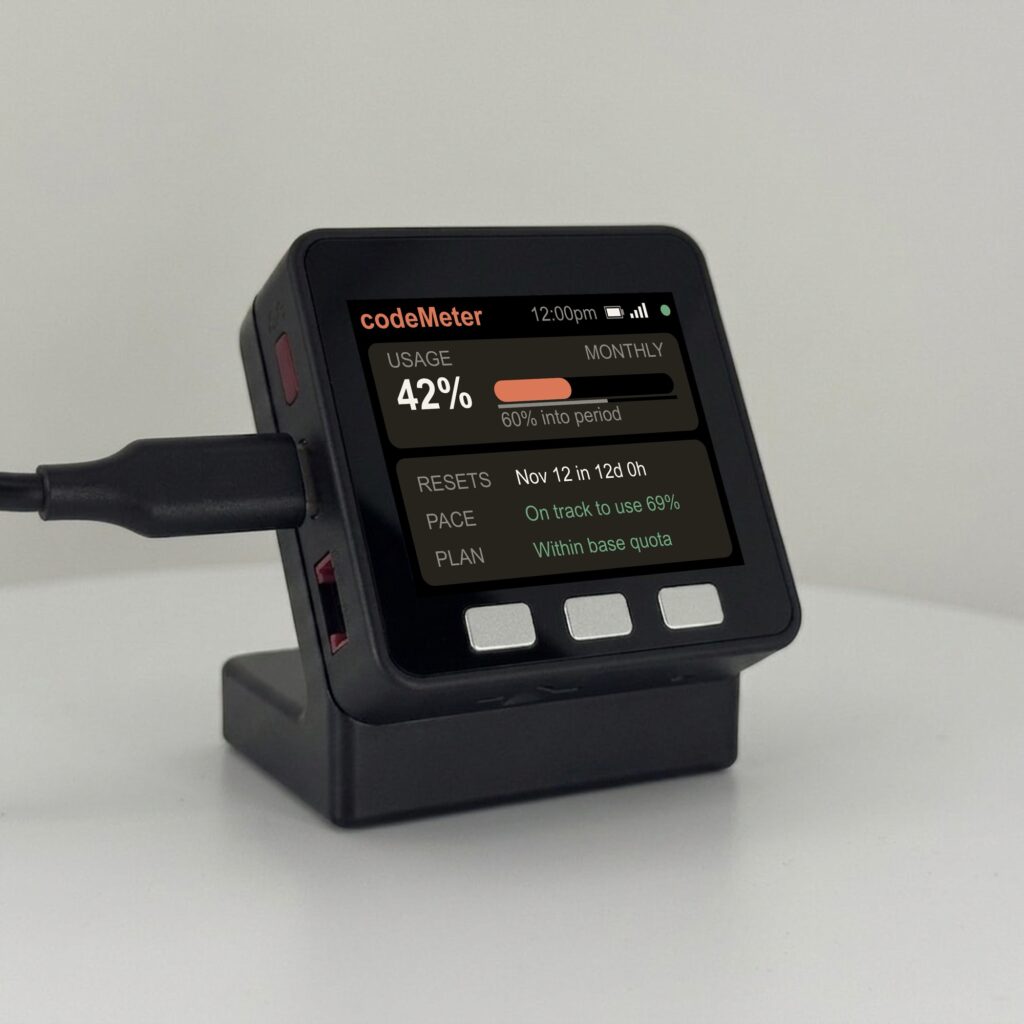
- The screen fits your plan. Each account shows a line for each limit it has, 5-hour, Weekly or Monthly, with the reset time, a countdown, a bar with a time marker and the percent used. Lines a plan does not have are left off, so the rest are bigger.
- Mixed plans are fine. A personal plan and a work Team plan side by side.
- Easier setup. The setup page now offers four choices: Claude Code (one account), OpenAI Codex, Claude + Codex, and 2 Claude accounts. The pairing page at encinitas3d.com/codemeter has an account 1 / account 2 switch.
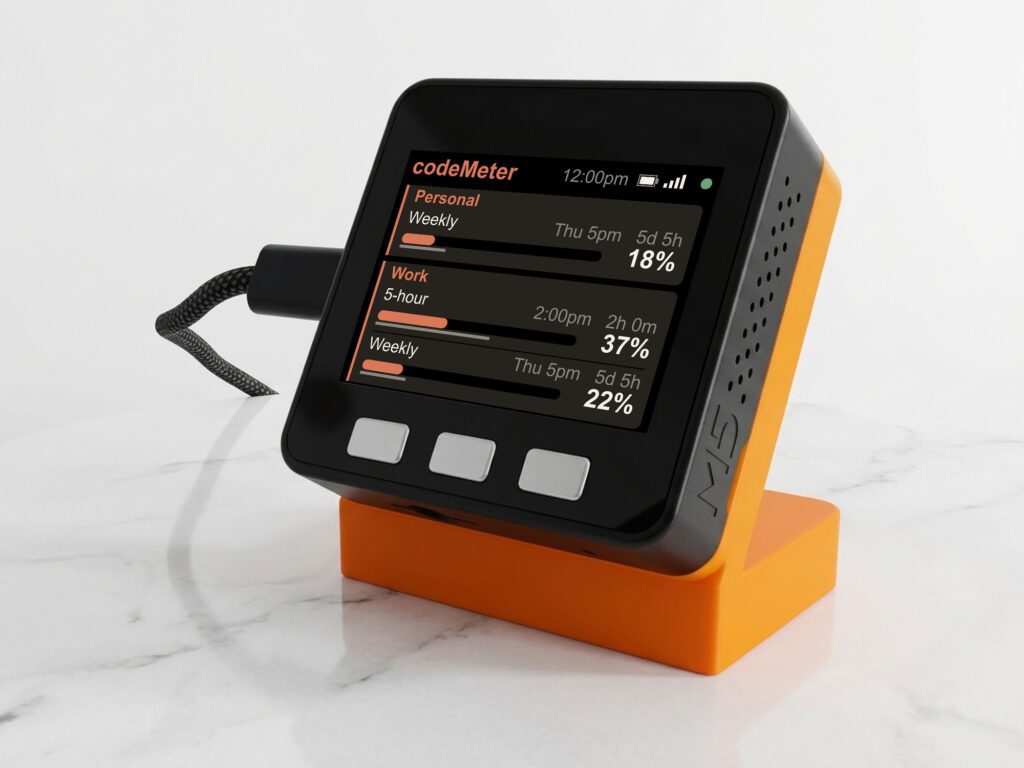
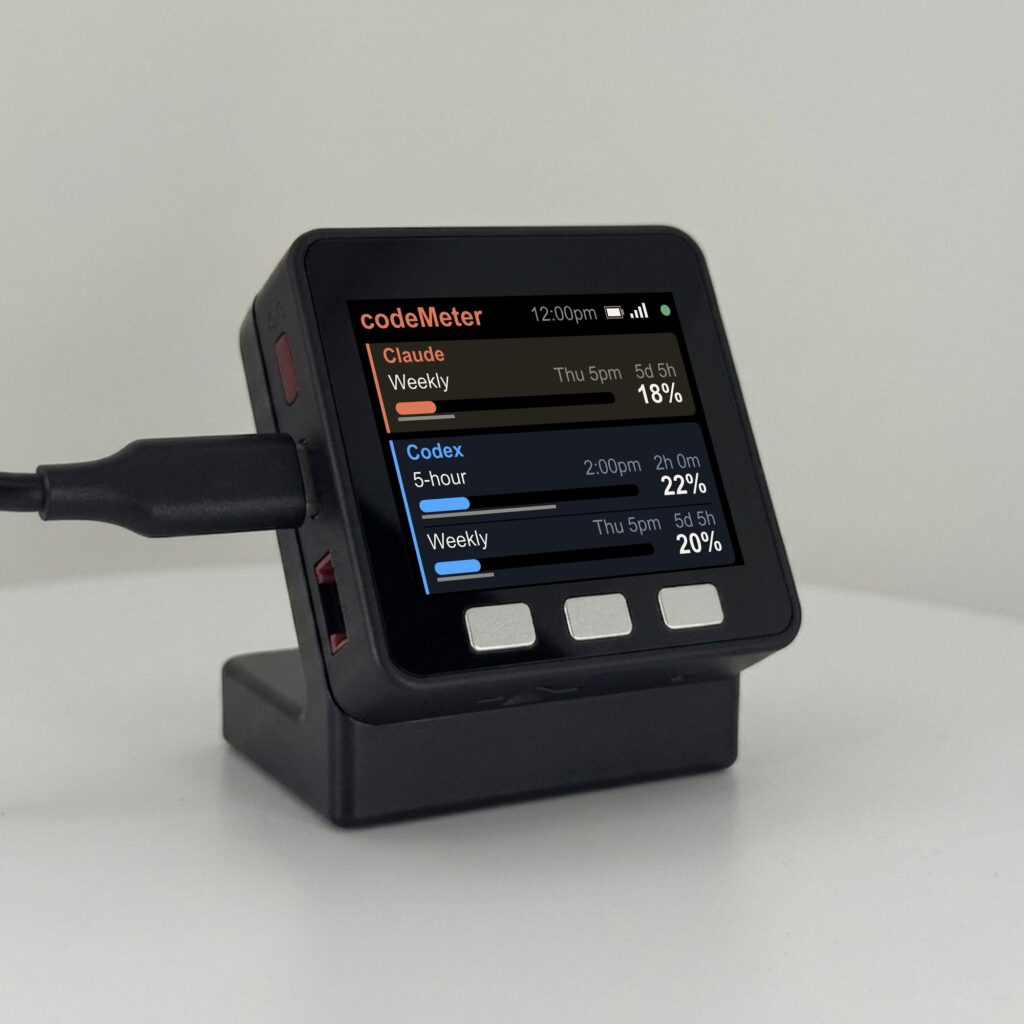
To turn it on: hold B about 7 seconds, pick 2 Claude accounts, and paste a token for each account (run claude setup-token once while signed in to each). Nothing else changes until you do.
Several of you asked for this. Thank you; it is free for everyone.
Weekly-only plans
On October 30 Claude Pro and Max plans changed to a weekly limit only. Your codeMeter updated itself to show a single large weekly card instead of an empty 5-hour line. Nothing to do. If a plan reports a 5-hour limit, the display shows it automatically.
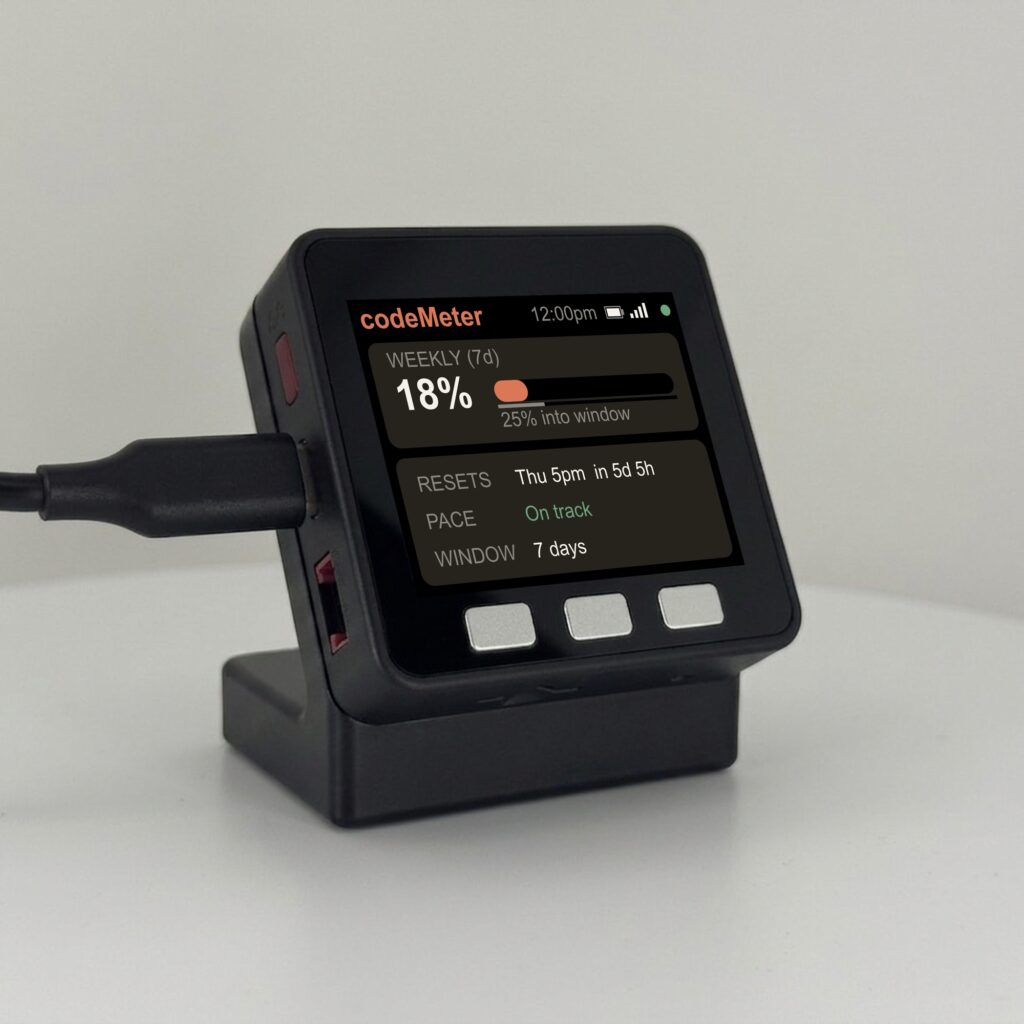
- 0.4.6: a used-up limit shows as 100% instead of an error.
- 0.4.0: OpenAI Codex support, chosen at setup.